
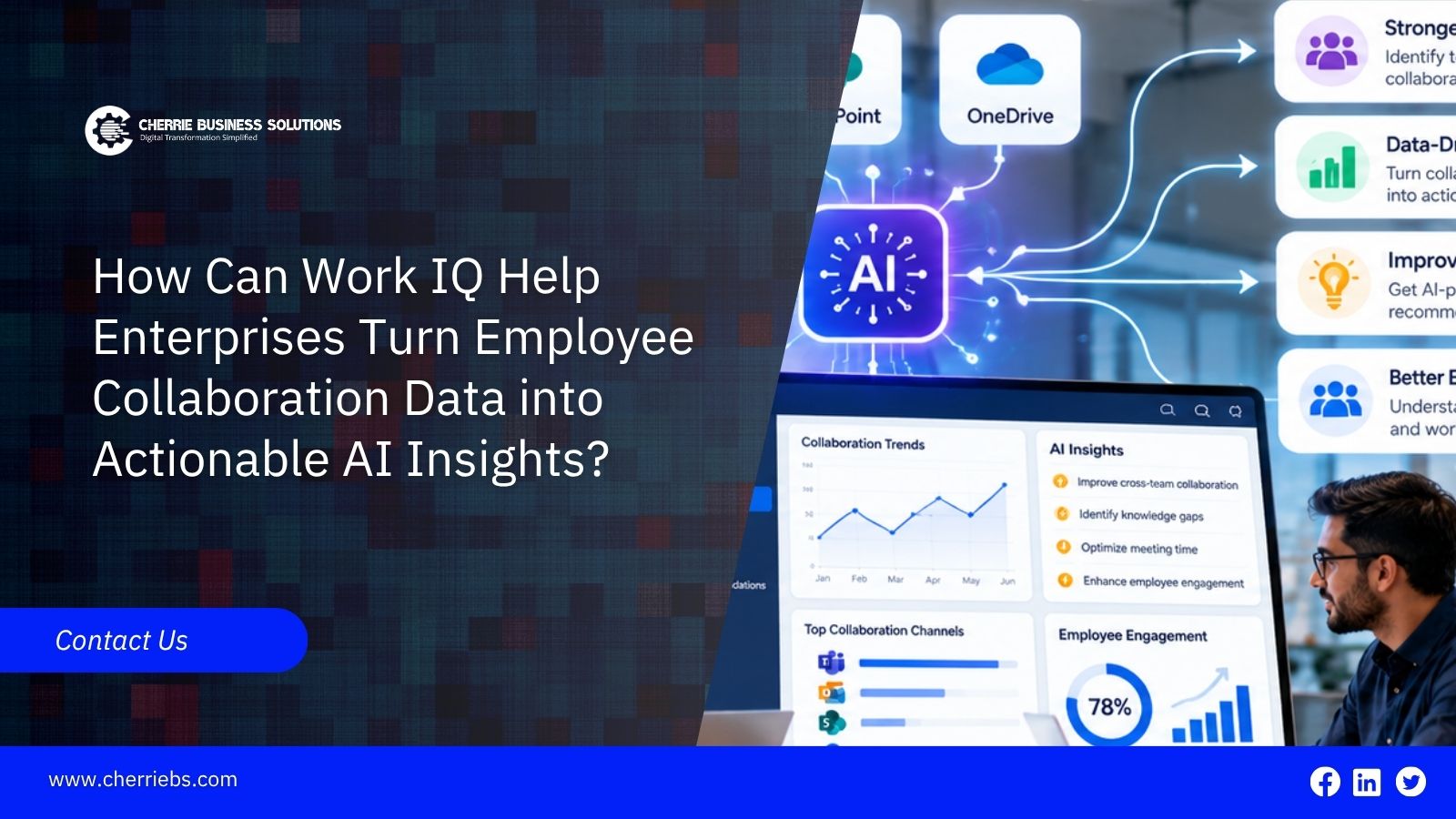
Microsoft’s 2023 Work Trend Index found that employees spent 57% of their time communicating through meetings, emails, and chats in Microsoft 365, while just 43% was spent creating. Although the data is from 2023, the challenge remains familiar: finding one important decision can mean searching through emails, Microsoft Teams conversations, calendars, and shared files. The information is often there, but it is scattered across different tools, making it difficult to find and connect.
Work IQ is Microsoft’s approach to helping AI understand how work happens across an organization. It connects workplace information and context to help employees find answers, gain insights, and take action more efficiently. In this article, we’ll explore what Work IQ is, how it works, where enterprises can use it, and what organizations should put in place to keep it secure, reliable, and useful.
What Is Work IQ?
Microsoft describes Work IQ as the intelligence layer that grounds Microsoft 365 Copilot and agents in real-time context about your organization. It is not a separate app you open. You meet it inside Copilot, in Copilot Chat and in apps such as Word, Excel, PowerPoint and Teams, and developers can reach it through the Work IQ API.
According to Microsoft Learn, Work IQ is built on three layers:
-
Data: signals from files, emails, meetings, chats, and business systems.
-
Memory: a lasting understanding of how people and teams work, so context carries across tasks and session
-
Inference: the models, skills, and tools that let agents reason and take action.
One point is easy to miss. Work IQ exists to help Copilot and agents answer questions and act for a user. It is not a tool for scoring employees. Aggregated collaboration analytics is a different job, and it needs its own privacy review.
How Collaboration Data Becomes an Insight
Raw collaboration data is just volume. An email thread, a meeting, and a Planner task about the same project look unrelated unless something connects them. That connection is Work IQ's job. Microsoft's Work IQ API documentation says it can reason over email, meetings and calendar data, OneDrive and SharePoint documents, Teams messages, people and organizational context, Planner plans and enterprise search results.
Take a simple question: "What is blocking the customer migration project?" Answering it by manual processes means reading weeks of chats and emails. With Work IQ behind Copilot, the answer draws on the same sources and can name the open decision, the person who owns it, and the document it refers to. The user still checks the answer, but the first pass is done.
That is what "actionable" means here. An insight only helps if someone can act on it, and agents built on Work IQ can take the next step, such as drafting a follow-up email, using the permissions of the person who asked.
Where Enterprises Can Use It
-
Meeting follow-through. Pull decisions and open actions out of meetings and the chat around them, so nothing sits in a recording nobody replays.
-
Project status. Ask for recent discussions about project risks and get one summary across Teams, email, and documents. Microsoft's own documentation uses this very example.
-
Finding expertise and history. Because Work IQ understands people and organizational context, it can help answer who has worked on a similar client or topic before.
-
Account preparation. Before a customer call, combine recent emails and meeting notes with the account's business data. Microsoft says Work IQ adds meaning to Dynamics 365 and Power Apps data, though availability can vary, so confirm what your tenant has.
-
Custom agents. Developers can build agents on the Work IQ API using REST, A2A, or MCP, without building their own indexing and data sync pipeline.
Governance First: Permissions, Privacy and Employee Trust
Work IQ's security model is the part to understand before any rollout. Microsoft says access to Microsoft 365 data through the Work IQ API is permission-trimmed and policy-enforced. Calls run as the signed-in user, and sensitivity labels and compliance policies apply. In Copilot Studio, admins can allow or block Work IQ MCP servers in the Microsoft 365 admin center, and tool calls can be traced through Microsoft Defender.
There is a catch. Work IQ respects the permissions you already have. If a SharePoint site is shared with the whole company by mistake, a Copilot answer can surface its content to anyone who can technically open it. A permission clean-up therefore comes before the AI rollout, not after. Our AI readiness checklist lists security permissions as one of its seven fixes.
Then there is the human side. Tell employees what Work IQ reads and what it does with that, keep the focus on helping people do their work, and involve HR and legal before using any aggregated view of collaboration patterns.
Work IQ and Dynamics 365
For companies on Dynamics 365, the interesting part is the link between conversation and record. Collaboration data shows what people are saying about a customer, supplier, or order. Dynamics 365 shows what is actually happening to it. Microsoft says Work IQ gives Dynamics 365 data more meaning by adding relationships and the rules behind how work gets done. An agent can then work with both: what the account team discussed this week, and what the order and invoice history shows.
Our post on AI agents in Business Central shows what agents already do on the business-data side. As always, check which features are available in your tenant and region before you plan around them.
How to Adopt Work IQ Safely and Effectively
-
Pick one use case with a clear owner, such as project status reporting for a single departmen
-
Review permissions and sensitivity labels on the sites and teams involved.
-
Check licensing. Copilot experiences need Microsoft 365 Copilot licences, and Microsoft Learn says the Work IQ API is billed by usage through Copilot Credits. Work IQ in Copilot Studio was still a preview in Microsoft's July 2026 update, so confirm the current status.
-
Run a pilot with a small group. Record the time saved on specific tasks and any wrong answers you find.
-
Expand only when the answers are reliable, and keep admins in control of which tools agents can call.
Turning Collaboration Data into Insight Safely
The value of Work IQ depends on the context it can access and the permissions that govern that access. Two decisions shape the outcome: reviewing who can see which content, and starting with a single use case that has a clearly assigned owner. A small pilot built on these foundations produces measurable results before the rollout is extended.
Organizations often find that this preparation requires dedicated effort, from identifying over-shared content to defining what AI agents are permitted to do. An experienced implementation partner can support this work. Cherrie Business Solutions is a Microsoft Dynamics 365 implementation partner in Dubai. Our team can assess your readiness for AI in D365, plan a focused pilot, and establish the governance framework around it. Contact us to discuss your first use case.