
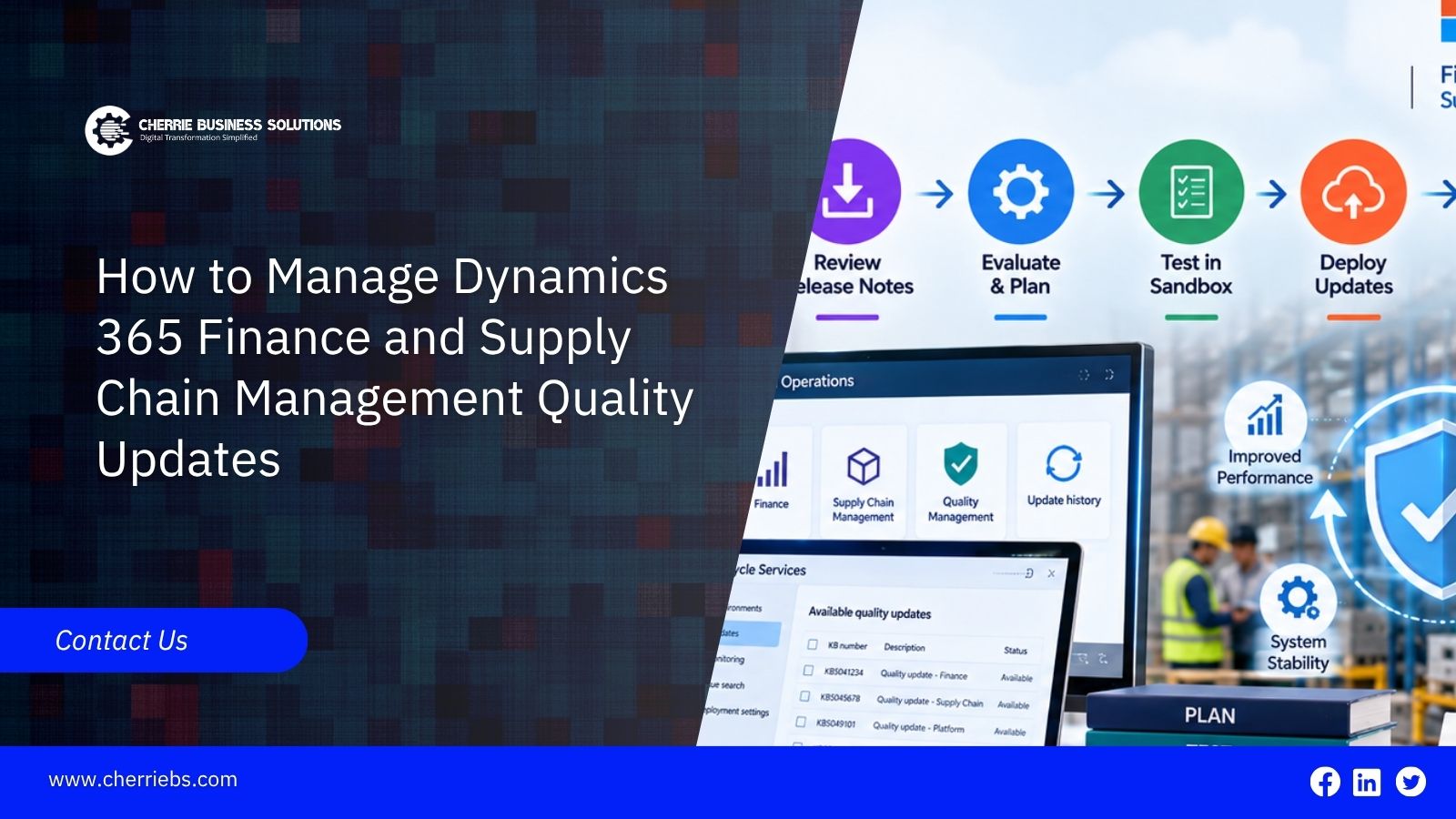
Dynamics 365 Finance and Supply Chain Management (F&SCM) supports important business processes such as finance, procurement, inventory, manufacturing, and logistics. Microsoft regularly delivers updates to help keep these applications secure, stable, and supported. These updates can include bug fixes, security improvements, and other changes to the application.
Although quality updates are generally designed to minimize disruption, businesses still need a clear process for reviewing and testing them. A change that fixes an issue in one area can affect a customization, integration, or business process elsewhere.
A structured update management process helps your team understand what is changing, test important workflows, check integrations, and prepare for deployment. Here is how to manage Dynamics 365 F&SCM quality updates more effectively.
What Are Dynamics 365 F&SCM Quality Updates?
Microsoft uses proactive quality updates to deliver fixes and improvements to supported Finance and Operations environments. These updates are part of Microsoft's ongoing servicing model and can address application issues, stability concerns, and other quality-related changes.
PQU deployments follow a rolling schedule based on release stations and regions. Microsoft publishes the schedule in advance, and environments receive updates according to their assigned station. Sandbox environments are updated before production environments as part of the rollout process, allowing businesses to validate changes before they reach production where applicable.
Because these updates can affect application behavior, customizations, and integrations, businesses should not treat them as routine changes that require no validation.
Why Quality Updates Need a Proper Management Plan
Even a relatively small application change can affect a business process when custom code, extensions, workflows, or integrations are involved. For example, an update affecting an area used by your finance team could require additional testing if your organization has customized that process.
The goal is not to delay every update. It is to make sure your team knows what is changing and has enough time to identify problems before they affect critical operations.
A practical ERP update management process should cover release review, impact assessment, testing, integration checks, deployment planning, and communication.
Understand the Microsoft Update Schedule
Microsoft publishes schedules for proactive quality updates that show when different environment groups are expected to receive an update. The rollout is organized through release stations and regions rather than a single date for every customer.
The schedule also distinguishes between sandbox and production deployment. Quality updates are rolled out gradually, with sandbox environments receiving the update first and production deployment following as the rollout progresses. Microsoft performs these updates during designated maintenance periods and uses a rolling approach to minimize disruption.
Your IT or Dynamics 365 team should monitor the published schedule and Microsoft notifications instead of relying on a fixed assumption that every quality update will arrive on the same day or at exactly two-week intervals.
Knowing your expected update window gives the team time to prepare testing and coordinate with business users.
Review Release Information and Assess the Impact
Before testing begins, review the available Microsoft information about the update. Lifecycle Services and Microsoft's release communications can help your team identify the changes included in a particular update.
Start by asking a simple question: which parts of our environment could be affected?
For example, if an update includes a correction related to intercompany transactions, businesses that process a high volume of intercompany orders should give that area additional attention during testing.
Your technical team should also review relevant customizations, extensions, integrations, workflows, reports, and interfaces. The objective is to turn the release information into a focused testing plan instead of trying to test every part of the application in the same way.
Review Maintenance and Update Settings
Update timing should be considered alongside your organization's operating schedule. Finance teams may have important month-end activities, while warehouses and manufacturing operations may work outside standard office hours.
For applicable environments, administrators can configure maintenance settings and review the available update options through Microsoft's administration tools. Finance and Operations environments can involve Lifecycle Services and, for unified environments, the Power Platform admin center, depending on the environment and update type.
Rather than assuming that an update will cause a traditional server restart, teams should focus on the environment's scheduled maintenance period and the potential effect on users and integrations.
Planning around these windows helps reduce conflicts with important business activities.
Test Updates in a Sandbox Environment
Testing should take place before an update reaches production whenever the available rollout process provides that opportunity.
A sandbox gives your team a controlled environment in which to validate important business processes against the updated application. It should represent the relevant production configuration closely enough to provide useful test results, including applicable customizations, extensions, integrations, and representative data.
For example, if your company uses a customized invoice workflow, run that workflow after the update is applied to the sandbox. Check the complete process rather than only confirming that the application opens successfully.
The Microsoft PQU schedule uses staged deployment, with sandbox environments updated before production environments as the rollout progresses. This provides an important opportunity for validation before production deployment.
Build a Regression Testing Process
Manual testing can become difficult when teams need to repeat the same business scenarios for every update. A defined regression testing process makes this work more consistent.
Your test library should cover the transactions and workflows that matter most to the business. These could include sales orders, purchase orders, inventory movements, invoicing, payments, warehouse processes, production activities, and financial reporting.
Automated testing can reduce repetitive work. Microsoft provides tools such as the Regression Suite Automation Tool (RSAT) for Finance and Operations applications. However, RSAT is currently marked for deprecation and will no longer be supported after May 15, 2027. Businesses using it should therefore consider Microsoft's current product roadmap when planning their longer-term testing approach.
The important point is not simply to automate everything. It is to maintain repeatable tests for the processes where an update could create meaningful business impact.
Check Customizations and Third-Party Integrations
Customizations and third-party applications deserve specific attention during update validation.
An organization might use extensions for financial processes, warehouse operations, tax calculations, payment services, document generation, or other business requirements. An update to the underlying application can expose compatibility issues in these connected components.
During sandbox testing, verify that important integrations continue to exchange data correctly. Check inbound and outbound interfaces, scheduled jobs, reports, workflows, and external applications that depend on Dynamics 365.
If a third-party solution is business-critical, communicate with the relevant vendor when necessary. Confirming compatibility before production deployment gives your team more time to address an issue.
Plan Deployment and Communicate With Your Team
Successful update management also depends on communication.
Once testing is complete and the production deployment is approaching, inform the people who may be affected. Department heads, finance users, warehouse teams, operations staff, and support teams should know when maintenance or update activity is expected.
The communication does not need to be complicated. A short message can explain the expected update period, any planned restrictions, and who users should contact if they notice an issue.
Clear communication helps users understand that an update is planned maintenance rather than an unexpected system problem.
Common Quality Update Mistakes to Avoid
Avoiding common mistakes can make Dynamics 365 update management significantly easier.
One is skipping meaningful sandbox testing because the update appears small. Another is testing the core application while overlooking customizations and third-party integrations.
Manual testing can also become inconsistent when teams repeat the same checks for every release without maintaining a proper test library.
Another common problem is leaving update responsibilities unclear. Someone should be responsible for monitoring Microsoft communications, reviewing changes, coordinating testing, documenting results, and confirming production readiness.
A simple ownership model can make the entire process easier to manage.
How a Dynamics 365 Partner Can Help
Managing regular updates requires time, technical knowledge, and coordination across different teams. Organizations with limited internal Dynamics 365 resources may benefit from support from an experienced implementation partner.
A Dynamics 365 partner can help review update information, identify areas that require testing, validate customizations and integrations, maintain regression test scenarios, and coordinate deployment activities.
The partner can also help establish an update management process that fits the organization's finance, supply chain, warehouse, and operational requirements.
Related Article: How Can Dynamics 365 SCM Help Eliminate Costing and Inventory Reconciliation Problems?
Conclusion
Dynamics 365 F&SCM quality updates are an important part of keeping your environment supported, secure, and reliable. The key is to manage them as a regular operational process rather than treating each update as an isolated technical task.
Monitor Microsoft's update schedule, review the changes, test important business processes in a suitable sandbox environment, check customizations and integrations, and communicate deployment plans with your users.
For organizations that need additional technical support, Cherrie Business Solutions can help manage Dynamics 365 update planning, testing, validation, and deployment activities. A structured approach allows your team to stay current while reducing unnecessary disruption to day-to-day business operations.