
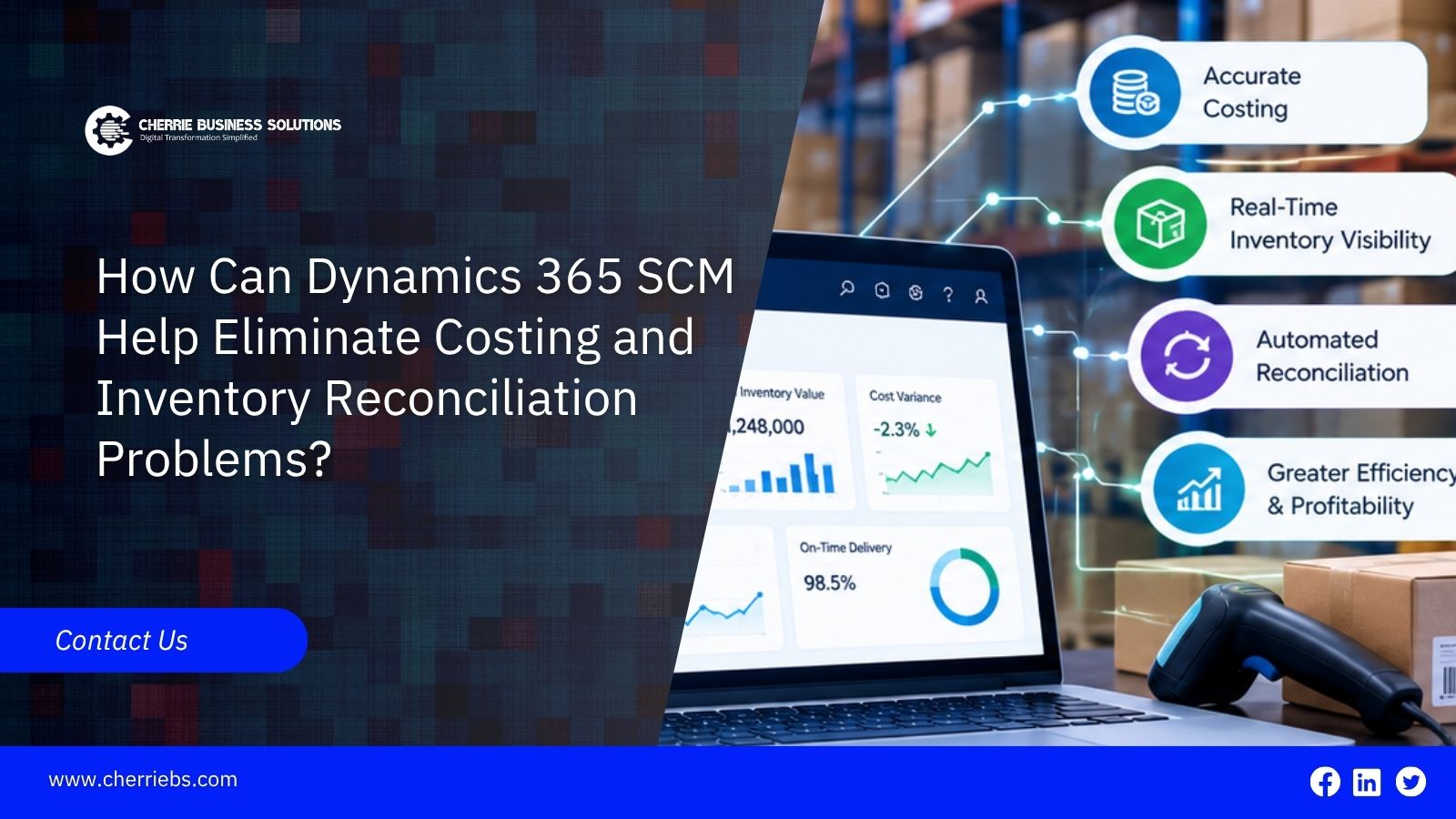
Month-end financial reporting usually reveals a frustrating misunderstanding between the warehouse team and the accounting department. The physical stock on the shelves rarely matches the financial value recorded in the general ledger. These inventory reconciliation problems force teams into days of manual spreadsheet adjustments just to close the accounts. Fixing this requires a software environment that ties physical movement directly to financial data the moment an item arrives. Dynamics 365 Supply Chain Management targets this exact disconnect. By automating cost calculations and tracking hidden shipping fees, Microsoft Dynamics 365 ERP systems match your expectations for complete financial accuracy. Let us explore the specific tools inside this platform that stop costing errors before they actually happen.
Before looking at the software features, we need to understand why these numbers get mixed up in the first place.
Why Do Costing and Inventory Variances Happen?
Costing errors usually happen because of poor timing. A warehouse receives a shipment of raw materials on a Tuesday and immediately starts using them for production. However, the supplier does not send the final invoice until two weeks later. If the purchase price changes, or if unexpected shipping fees are added, the financial value of that inventory is already wrong in your system. When accounting tries to reconcile the physical count with the financial records at the end of the month, the numbers simply do not align.
To fix this timing issue, your business software must capture all expenses before the items are consumed or sold.
Tracking True Landed Costs for Better Profit Margins
A major reason inventory values fail to match the ledger is hidden shipping expenses. When you import goods, you pay for ocean freight, customs duties, insurance, and local trucking. If you only record the base purchase price of the item, your inventory looks much cheaper than it actually is.
Dynamics 365 SCM handles this using the Landed Cost module. Let’s take a real-world example of a regional hardware distributor buying heavy machinery parts from overseas. Normally, they receive the parts and sell them based on the base price. Three weeks later, a massive freight bill arrives, completely wiping out their profit margin on those sales.
The Landed Cost feature fixes this by estimating and attaching those freight and customs fees to the item the moment it leaves the origin port. By the time the parts reach your warehouse floor, the system has already calculated the true total cost. You know exactly what your inventory is worth, meaning your finance team has nothing to correct later.
Capturing the right costs upfront is highly effective, but you also have to comply with strict accounting rules.
Using Global Inventory Accounting for Financial Compliance
Large companies often run into trouble when they operate across different regions. Local tax authorities usually require different methods for valuing inventory. One country might require a First-In, First-Out method for tax reporting, while your internal management team wants a Standard Cost model to track warehouse efficiency. Trying to maintain both methods using manual spreadsheets guarantees reconciliation problems.
Dynamics 365 SCM solves this through the Global Inventory Accounting feature. This functionality allows your business to run multiple costing ledgers at the exact same time for the identical physical items. When a warehouse worker receives a pallet of goods, the system automatically records the transaction in multiple ways to satisfy local tax laws and internal corporate rules simultaneously. Your accounting team never has to build complex translation spreadsheets, keeping the general ledger perfectly aligned with the warehouse stock.
Once your accounting rules are set, you need a way to keep daily operations properly synced.
Automating the Month-End Inventory Close
For many businesses, closing the inventory books at the end of the month is a highly stressful manual process. Finance workers have to track down unbilled receipts, correct negative inventory balances, and adjust moving average costs when vendors send delayed bills.
Microsoft Dynamics 365 ERP systems eliminate this manual stress through an automated inventory recalculation process. When you run the inventory close inside the system, it automatically settles the physical receipts against the financial invoices. If a vendor charged you ten dollars more than expected on a delayed invoice, the system automatically finds where that specific item was sold or used and adjusts the cost of goods sold. The software handles the complex math behind the scenes. This ensures your final inventory valuation matches your actual bank spending without requiring days of manual human investigation.
Perfect financial math only works if the physical warehouse counts are actually correct.
Stopping Discrepancies with Live Warehouse Scanning
You cannot reconcile your inventory if your physical counts are wrong to begin with. If a forklift driver moves a pallet to a new storage bin but forgets to write it down on a paper checklist, the ERP system and the physical warehouse are instantly out of sync.
The Warehousing Education and Research Council (WERC) reports that while average warehouses achieve 97% inventory accuracy, best-in-class operations utilizing automated scanning maintain 99.5% or higher. This jump happens because manual data entry averages one error per 300 keystrokes, while barcode scanning boasts a near-perfect accuracy rate of one in three million.
Dynamics 365 SCM relies on a dedicated mobile device application for warehouse workers. Every time an employee picks, packs, or moves an item, they scan a barcode. The software instantly registers that physical movement and triggers the related financial update in the background. Because the physical action and the financial record happen in the same second, there is no delay. When the finance team pulls an inventory valuation report on a weekend afternoon, they are looking at real-time data that perfectly matches the warehouse floor.
Achieving this level of accuracy requires setting up the software logic correctly from the very beginning.
Final Notes: Making Your Supply Chain Match Your Financials
When you can finally look at a month-end report and know the inventory numbers are mostly reliable, the whole company runs smoother. But achieving that level of trust requires a flawless technical foundation. Dynamics 365 SCM is an incredibly powerful tool, but it only calculates what you tell it to. If your freight rules, storage dimensions, and costing methods are not mapped out perfectly from day one, your team will still end up doing manual math to fix the gaps.
This is exactly what the implementation team at Cherrie Business Solutions prevents. We do the heavy lifting of configuring your Dynamics 365 Supply Chain Management system, so it perfectly mirrors how your warehouse actually operates. By setting up the financial triggers your business needs, we ensure your physical stock always matches your accounting ledgers automatically. Contact us today to build an automated, error-free inventory system to elevate your business workflow.