
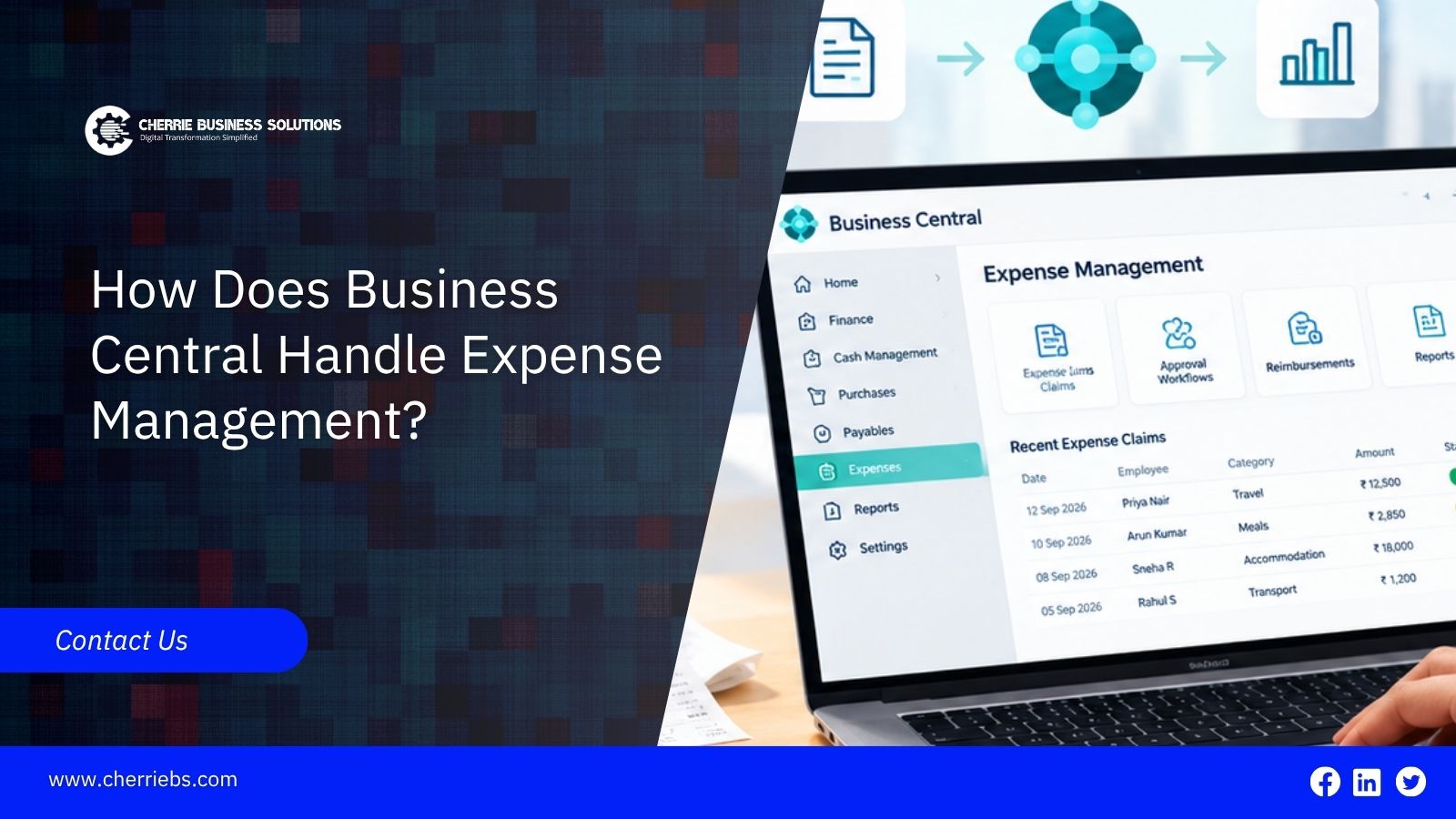
Managing employee expenses manually can consume significant accounting time, especially when companies rely on paper receipts, spreadsheets, email approvals, and repetitive data entry. Microsoft Dynamics 365 ERP systems help reduce this work by automating expense tasks and giving businesses better control over their finances.
This guide explains how expense management works in Business Central, from submitting an expense and supporting documents to reviewing expenses and processing reimbursements.
Core Components of Expense Management in D365 Business Central
The expense management process in Business Central includes several key steps; let's explore them now.
Expense entry and employee submissions
The foundation of employee expense tracking in D365 Business Central relies on making data entry simple. Employees no longer need to build complex spreadsheets at the end of the month. Businesses can configure expense-entry processes that allow employees to record eligible expenses and submit the required details for review. This immediate entry keeps the accounting department updated on daily corporate spending and helps prevent receipts from getting lost.
General ledger and dimension mapping
Behind the scenes, the software can connect expense transactions to your main financial records. When a worker submits a claim, dimensions can be used to tag the specific department, region, or project. This means a software subscription bought by the marketing team can be assigned to the marketing dimension and the appropriate general ledger account, reducing the need for manual sorting by your accounting staff.
Expense categories and cost allocation
You can set up specific categories like travel, meals, or office supplies. Expense categories can be mapped to the appropriate accounts and tax-related settings, helping finance teams apply consistent accounting treatment to employee expenses. This cost allocation ensures that spending is tracked accurately and reduces the risk of employees using inconsistent classifications.
Expense Claim Workflow
Once an expense is submitted, Business Central can help ensure it is reviewed and approved correctly.
Attaching receipts and supporting documents
There is no need to manage paper receipts or attach them to printed forms. Businesses can connect receipt-capture or expense-management tools with Business Central so employees can submit receipts digitally and keep supporting documents linked to the relevant expense record. This makes it easier to find supporting documents when needed for reviews or audits.
Multi-level approval routing
Once the expense is submitted, configured workflows can route it to the appropriate approver automatically. If the purchase requires additional authorization, the workflow can route the request through multiple levels of management. This helps ensure that higher-value company spending receives the required approval before payment is processed.
Approval and Authorization Controls
After approval, Business Central helps move expenses through the remaining steps until payment is completed.
Role-based approval limits
You can establish spending and approval limits based on an employee's position or organizational role. A team leader might have permission to approve team lunches up to AED 200. However, if the restaurant bill is AED 500, the workflow can route the request to the department head based on the configured approval rules. This helps prevent employees from approving expenses beyond their authorization limits.
Automated notifications and escalation
Managers are busy and can sometimes forget to check their approval queues. Dynamics 365 Business Central workflows can send automated notifications when a new expense-related approval request arrives. Businesses can also configure escalation rules so overdue approvals are brought to the attention of the appropriate person, helping keep the financial process moving forward.
Audit trail and compliance tracking
Business Central system maintains records and audit information for relevant transactions and workflow activities. This helps businesses trace who created, approved, or posted financial transactions and provides useful documentation for internal reviews and external audits.
Reimbursement and Payment Processing
Integration with accounts payable
Approved expenses do not just sit in a separate digital folder. Depending on the expense-management setup, approved expense data can be transferred into the appropriate financial posting or reimbursement process. This reduces duplicate data entry and helps finance teams process employee reimbursements more efficiently.
Payment journal posting
When it is time to reimburse staff, finance teams can use payment journals and other configured payment processes to prepare and post employee reimbursements alongside other payments. The accountant can review the relevant amounts before posting the transactions, helping maintain control over the payment process.
Currency handling for multi-entity businesses
If your sales team travels internationally, they may bring back receipts in foreign currencies. D365 Business Central supports multiple currencies and can apply configured exchange rates to convert foreign-currency transactions into the company's accounting currency. This helps finance teams calculate and record employee expenses consistently without relying on manual currency calculations.
Expense Reporting and Analytics
Financial reports for expense analysis
Microsoft Dynamics 365 Business Central provides financial reporting and analysis capabilities that can help businesses monitor spending. You can use financial reports and dimensions to analyze how much money the company spent on areas such as travel, meals, or office supplies. These tools provide better visibility into spending and help you identify potential cost issues.
Power BI integration for spend visibility
For a deeper look at your finances, you can connect your Business Central data directly to Microsoft Power BI. This integration turns rows of numbers into highly visual charts and graphs. Your management team can use Power BI dashboards to analyze spending trends and identify specific areas where corporate costs can be reduced.
Department-wise and project-wise cost tracking
You can easily filter these reports to see exactly which teams are spending the most money. By tracking costs down to the specific department or project level, executives can monitor individual budgets and understand where expenses are being incurred. This gives management better visibility into where company money is being spent and who authorized it.
Integration with Other Business Central Modules
Project management and job costing
Many service companies need to charge employee travel and other expenses directly back to a client. With D365 ERP, businesses can assign eligible project-related expenses to specific projects or jobs, helping project managers track actual costs against budgets. When an engineer incurs costs for a specific project, those costs can be recorded against the relevant project to support accurate project costing and billing.
Fixed assets for capitalized purchases
Sometimes an employee buys something that needs to be tracked long term, like a new company laptop or expensive field equipment. If a purchase qualifies as a capital asset, finance teams can record it in Business Central's Fixed Assets functionality and manage depreciation over its useful life. This helps ensure that qualifying purchases are accounted for correctly.
Bank reconciliation
When reimbursements are posted correctly, finance teams can match the related payments during bank reconciliation. This makes it easier to identify discrepancies and helps the finance team close the monthly books without having to search for missing transactions.
Common Challenges Businesses Solve with This Feature
Reducing manual entry errors
Staff can sometimes make typing mistakes. By allowing employees to submit expense details digitally and automating the transfer of data into the appropriate financial records, Business Central can reduce manual entry. This helps lower the risk of a fifty-dollar lunch being accidentally recorded as a 500-dollar expense.
Cutting approval turnaround time
Traditional expense reports can get lost on desks or buried in email inboxes. Digital workflows can route requests to the correct manager and provide automated notifications. This can reduce the time it takes for an employee to receive reimbursement while keeping the approval process organized.
Improving budget visibility across departments
When expenses are tracked on paper, management may not know how much money is being spent until the end of the month. Digital tracking provides better visibility into spending. Executives can monitor budget usage and identify areas where unnecessary spending may need to be controlled.
Setting Up Expense Management in D365 Business Central
Initial configuration steps
The setup process begins by defining your basic corporate rules. Your technical team will enter your specific expense categories, connect the correct general ledger accounts, and establish the accepted payment methods. This creates the foundation required for accurate financial tracking.
Defining approval hierarchies
Next, you must build your digital organizational chart. You tell the system exactly who reports to whom and input the specific approval limits for managers. This hierarchy helps ensure that each purchase request travels to the correct person automatically without requiring a human to route the paperwork.
Customization options for specific industries
Every business operates differently. A construction firm might need extra data fields to track vehicle mileage, while a marketing agency might need fields to track client entertainment meals. Depending on the Business Central configuration and connected solutions, businesses can customize processes and data capture to record the details their specific industry requires.
Getting Started with D365 Business Central for Expense Management
As your workforce grows, relying on paper receipts and manual approvals can become a bottleneck for your finance department. Implementing expense-management processes around Dynamics 365 Business Central can reduce these delays and give management teams better visibility into departmental budgets. However, achieving this level of efficiency requires the right configuration, integrations, and workflow setup.
Cherrie Business Solutions helps growing organizations deploy Dynamics 365 with confidence. We configure the approval workflows, reporting structures, and connected tools your organization needs to improve financial control and streamline expense processes. Contact Cherrie Business Solutions to explore how Business Central can support a more efficient expense-management process.