
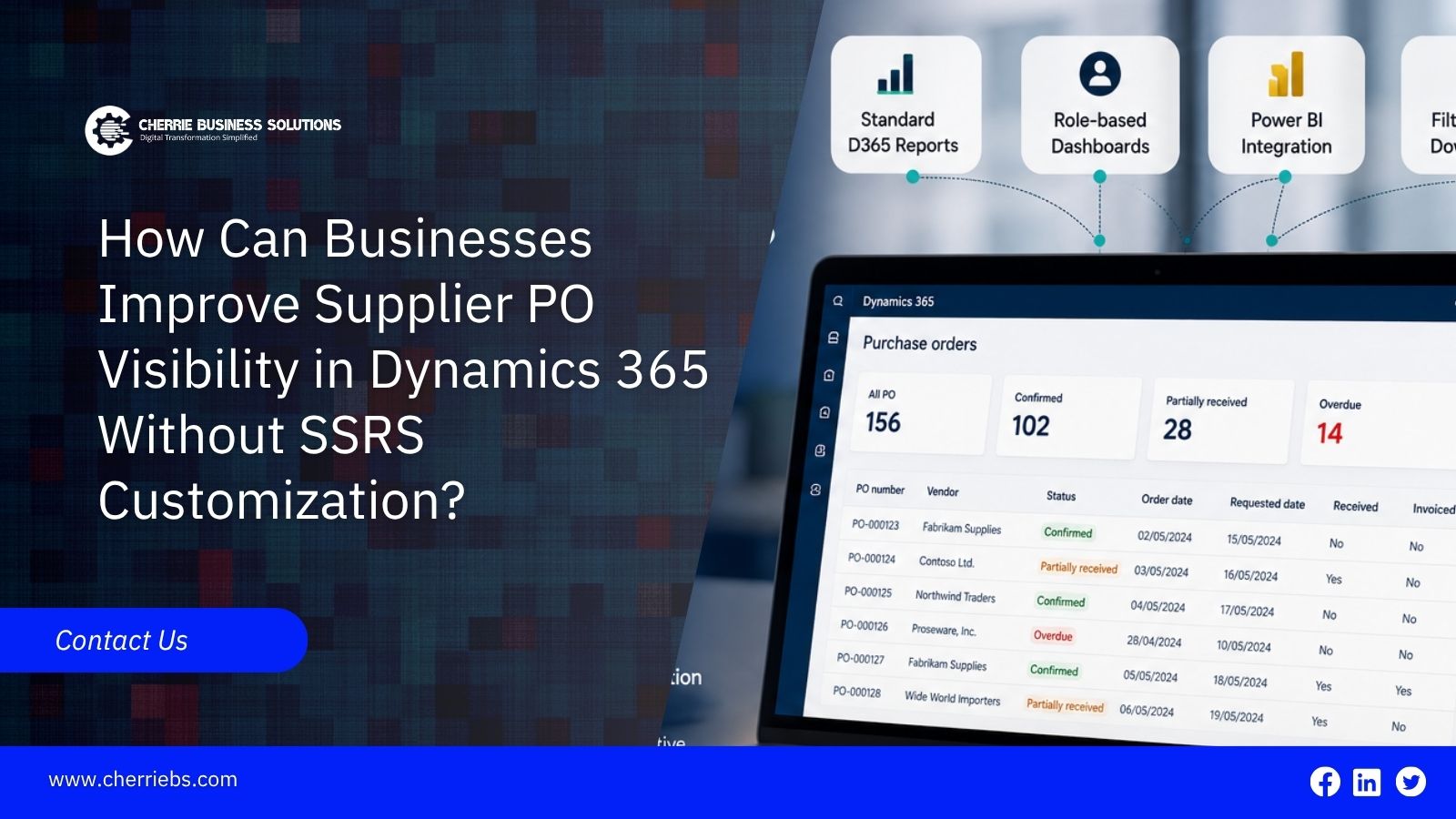
Procurement teams often lose track of incoming materials because standard software views fail to show clear status updates. When warehouse managers cannot easily see expected delivery dates or current PO status, they often turn to IT for custom reports. Historically, companies relied on SQL Server Reporting Services to fix this gap. While modifying SSRS works, it is a slow process that drains developer resources and creates maintenance headaches during system upgrades. Fortunately, Microsoft Dynamics 365 ERP systems offer a much more practical approach. You can significantly improve supplier PO visibility in Dynamics 365 without writing custom code. Built-in tools allow purchasing departments to track orders using flexible, native features instead of rigid reporting scripts.
What Is a Supplier PO in Dynamics 365?
A supplier purchase order acts as a formal contract between your company and a vendor. It clearly lists exactly what items you are buying, the required quantities, the agreed pricing, and the expected delivery date. Inside the software, this document is not just a static record of a transaction. It serves as the foundation for your entire procurement cycle, carrying critical data like delivery tolerances, specific warehouse receiving locations, and tax groupings.
An order moves through distinct stages. It starts as a draft, becomes confirmed when the vendor agrees, changes to received when goods are received, and updates to invoiced during the final accounting step. Tracking these stages matters deeply because it impacts other departments. If the receiving status is wrong, the three-way matching process can fail in the finance department, causing delayed vendor payments and accounting errors.
Why Do Businesses Struggle With PO Visibility?
The main reason purchasing teams struggle is that their daily information is spread too thin. Important details are often scattered across different vendor profiles, purchase order headers, line items, and inventory transaction tables. Out-of-the-box, standard grids do not always provide a single view showing partial receipts alongside pending invoices.
This scattered data creates a lack of PO status visibility. Because buyers cannot see the whole picture at a glance, they resort to exporting lists into spreadsheets. They spend their mornings calling vendors and digging through emails to figure out where a shipment is currently sitting. This manual tracking slows down your supply chain and makes supplier order management heavily dependent on human memory rather than reliable system data.
How Can Power BI Dashboards Replace SSRS Reports?
For a long time, IT departments spent weeks writing custom code to build printed reports for the purchasing team. You can bypass this bottleneck by using Power BI as an alternative to many custom reporting requirements in Dynamics 365. Power BI can connect to business data through supported connectors and data integration methods.
This tool allows you to create interactive visual dashboards that display open orders, expected arrival dates, and vendor performance metrics without writing complex database scripts. A purchasing manager can open their dashboard and instantly filter down to see every order that is running late.
This reporting method can work across different infrastructure setups. If you use a cloud architecture, Power BI can connect to supported cloud data sources through the appropriate integration and authentication methods. If your company uses an on-premises data source, a secure data gateway can connect supported local data sources to Power BI. By taking this route, you can reduce the development and maintenance effort associated with traditional custom report building.
How Do Native Power Apps and Power Automate Improve Tracking?
Expecting your staff to refresh a dashboard constantly is not a great strategy for busy procurement teams. You need active alerts when something goes wrong. Power Automate can act as a monitoring and notification tool alongside Dynamics 365 purchase order tracking.
You can configure automated flows to send email notifications when important order events or status changes occur. If a vendor pushes a critical delivery date back by two weeks, the system can notify the head buyer so they can source materials elsewhere. Other messaging channels can also be used when the required connectors or services are available.
Additionally, you can use Power Apps to build very simple screens for specific tasks. For example, you can give your warehouse staff a basic mobile app on a tablet to log shipment arrivals at the receiving bay. As soon as they tap the button to confirm the pallet arrived, the app can record the information, while Power Automate can notify the purchasing manager that the receipt has been recorded. These tools let your staff update the system faster from the actual warehouse floor, helping reduce the lag time between physical delivery and system updates.
How Can Workflow Configuration Improve PO Status Updates?
A lot of visibility issues happen simply because an employee forgot to complete an approval or confirmation step. If a manager forgets to approve a request, the order can remain pending indefinitely. Dynamics 365 includes workflow capabilities that can help prevent these common process delays.
You can configure approval workflows that route purchase documents to the appropriate users and notify them when action is required. Once a department head digitally signs off on a purchase limit, the workflow records the approval and allows the purchasing process to move forward. When the warehouse registers a delivery, the related receiving information is recorded in the system, allowing purchasing and accounting teams to see the latest transaction status.
Automating these approval and notification steps cuts down on manual checking. It also builds a clear, time-stamped audit trail. If a vendor complains that an order was delayed, you can review the workflow history to see which internal approval step caused the delay and when it was completed.
How Does the Vendor Collaboration Portal Help With Visibility?
The easiest way to reduce the need to chase vendors for updates is to give suppliers a way to interact with relevant purchasing information directly. Microsoft Dynamics 365 Supply Chain Management includes vendor collaboration capabilities that can reduce the old workflow of sending PDF attachments back and forth through email.
Depending on the configuration, you can provide specific suppliers with access to relevant purchase order information through the vendor collaboration experience. When you issue a new order, the vendor can review the applicable item details and delivery information. If a supplier has a stock issue or cannot meet the requested delivery schedule, they can respond through the available collaboration functionality. Your buyers can then review the supplier's response and take the appropriate action.
This direct connection reduces confusing email chains and can provide purchasing teams with more timely updates from suppliers. It also helps keep purchase order records more closely aligned with supplier-provided information.
How Can Businesses Use Personalized Views and Filters?
Sometimes a buyer just needs a quick look at their own daily tasks rather than a company-wide reporting dashboard. Dynamics 365 provides personalization tools right on standard list pages.
Any authorized user can apply advanced filters to hide closed orders and focus only on lines that are past their expected delivery date. They can pull in extra data columns, like the confirmed delivery date or specific buyer groups, and sort the list to prioritize the most urgent items.
Once a buyer arranges the screen exactly how they want it, they can save it as a personalized view. Depending on the Dynamics 365 application and workspace configuration, they can also make the view easier to access from their workspace. The next time they log in, they can open that specific view to see their exact workload, reducing the need to ask IT for a custom report.
Take Control of Your Supply Chain Data
Heavy coding is no longer the only path to better procurement tracking. Using native tools like interactive visual dashboards, automated workflow alerts, and external vendor collaboration capabilities can solve many visibility challenges with far less technical overhead. Microsoft Dynamics 365 provides a range of native capabilities that can help purchasing teams monitor supplier orders without relying on extensive custom report adjustments. If your team is struggling to keep track of incoming materials, contact the experts at Cherrie Business Solutions. Cherrie is a trusted Microsoft Dynamics 365 Implementation Partner in Dubai.
We can configure these built-in tracking features and help you take greater control of your supply chain operations.