
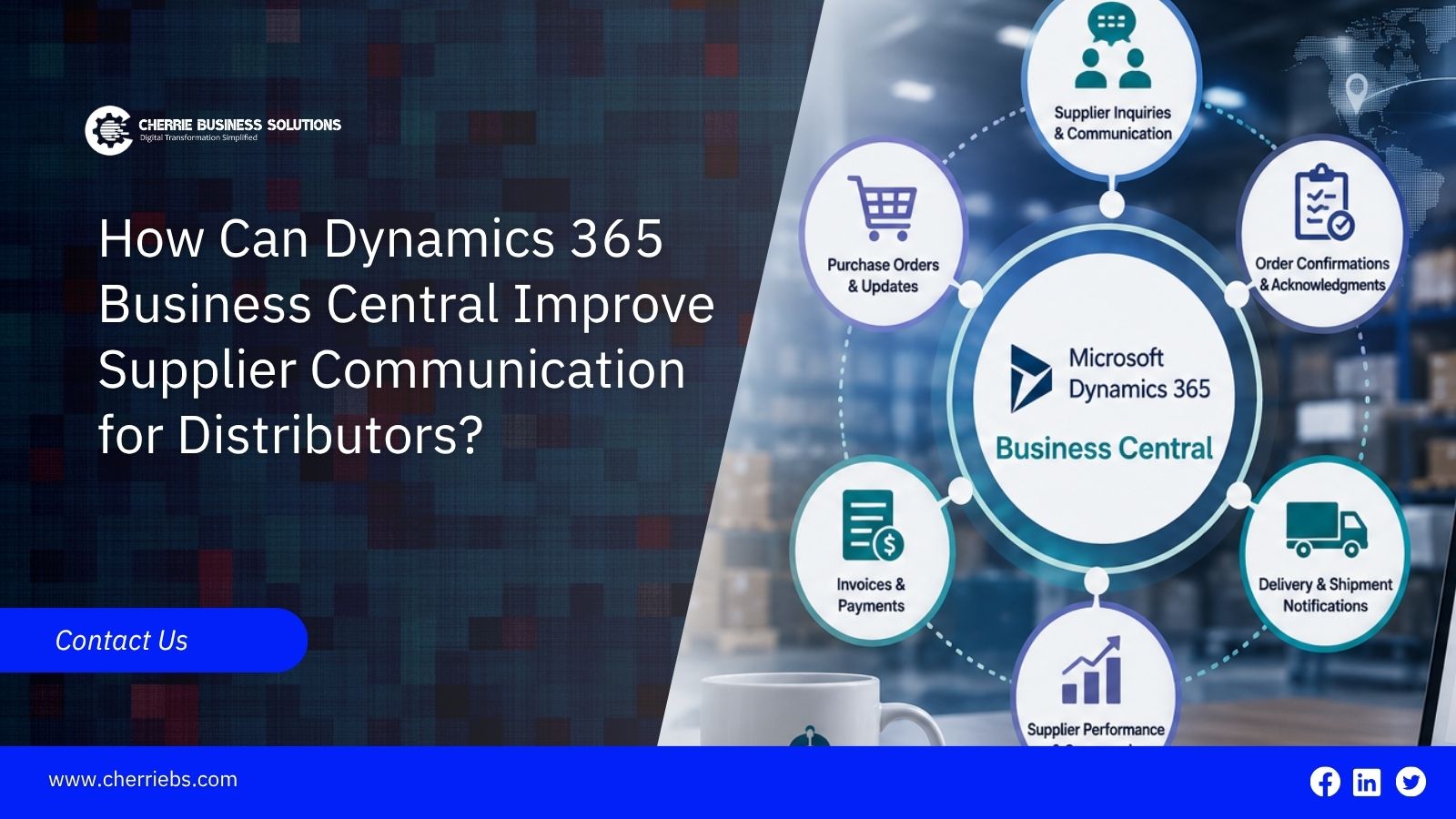
Distributors spend a significant portion of their workday communicating with vendors. When a supplier ships the wrong part, delivers an order a week late, or announces an unexpected price increase, the distributor often has to deal with the end customer’s frustration. Many of these issues occur because important information is scattered across spreadsheets, email threads, and phone conversations.
Microsoft Dynamics 365 Business Central helps eliminate this disconnect by bringing procurement data, catalog numbers, supplier information, and delivery schedules into one centralized system. With better visibility and organized communication, distributors can reduce order errors, respond to supplier issues faster, and build stronger vendor relationships.
This blog explores the specific tools in Business Central that help distributors improve supplier communication, prevent costly mistakes, and keep their procurement operations running smoothly.
Fixing Part Number Mix-Ups Between Your Team and Suppliers
One of the biggest problems in wholesale distribution is simply naming the products. Your warehouse might call a specific copper pipe "CP-500". The manufacturer, however, calls that same pipe "PIPE-CU-99". When your purchasing team types "CP-500" into a standard email order, the supplier has to guess what you actually want. This guessing game leads to wrong items showing up on your loading dock, causing massive delays.
Business Central handles this problem through a feature called item reference mapping. You tell the system one time that your CP-500 equals their PIPE-CU-99. From then on, when your buyer creates a purchase order, the software automatically translates the product code. The vendor receives a document showing their own familiar catalog numbers, while your internal database keeps your preferred naming format. It removes the guesswork completely. Getting the item right is the first step, but pricing those items over the long term causes just as much confusion.
Making Volume Pricing Agreements Clear for Everyone
Negotiating prices on every single small order is exhausting and expensive. To get better rates, distributors usually promise to buy a large amount of stock over a full year. The problem is tracking how many items you have actually bought against that promise. If both sides are using manual spreadsheets, disagreements happen quickly. Your vendor might think you still owe them orders, while your accounting team thinks the contract is finished.
The ERP system uses blanket purchase orders to clear up this mess. You enter the agreed yearly quantity and the discounted price into the system once. When your warehouse needs a quick refill of fifty boxes, the buyer just clicks a button to release those boxes from the main agreement. The software automatically updates the remaining balance. Both your team and the vendor know exactly how many boxes are left on the contract at any given second. This keeps vendor communication honest and simple. Once the price is settled, the next hurdle is figuring out when the truck will actually arrive.
Giving Your Buyers and Vendors True Delivery Dates
You cannot give good customer service if you do not know when your vendor shipments will land. Most older software programs only give you one basic date field for an order. Business Central breaks this down to show the full picture. It tracks the day you requested the delivery, the day the supplier promised to deliver it, and the planned day the goods will actually be put on your shelves.
If a supplier calls to say their delivery truck broke down and they will be two days late, your buyer updates the promised date in the system. That single update instantly warns the sales team and adjusts the warehouse receiving schedule. Nobody has to walk across the office to tell the sales department about the delay. And all of this depends on the vendor actually receiving your order documents quickly and reliably.
Streamlining Supplier Communication Beyond Email
Think about how much time your purchasing team spends attaching PDF files to emails. Then think about how often they have to send a second email just to ask if the supplier actually got the first one. It is a slow, frustrating process that leaves room for human error. If an employee is out sick, nobody knows if their orders were sent.
Business Central has a tool called document sending profiles that cuts this out entirely. You can set up specific rules for your main vendors. The minute a manager approves a purchase order, the system can automatically email the final document to the supplier's main order desk. It logs a timestamp so your whole team knows the message went through successfully. There is no more searching through a coworker's personal inbox to see if an order was placed. This keeps communication moving fast. Sometimes you need that speed because the product is skipping your warehouse entirely.
Making Customer Drop Shipments Easier to Manage
Drop shipping is a great way to save on warehouse space. You take the order from the customer, and your supplier ships the product directly to them. But managing this manually is a nightmare. It involves copying addresses, forwarding tracking numbers, and making phone calls to make sure the box actually left the vendor's facility on time.
Business Central links your customer sales order directly to the vendor purchase order. When your sales representative marks a sale as a drop shipment, the system pulls the customer delivery address and drops it straight into the vendor instructions. When the vendor tells you the box shipped, you post the receipt in the system. This automatically marks the customer side as shipped and ready for billing. Your customer service team can see the status without having to bother the purchasing department. Finally, when the goods do arrive at your own facility, you need a way to handle delivery mistakes smoothly.
Managing Over-Deliveries Before the Bill Arrives
Suppliers make mistakes. Sometimes they send a little more product than you asked for, especially with bulk items like screws, cables, or liquids. If your warehouse workers do not know the company rules, they might accept the extra items. Then, your accounting team gets an unexpected bill that is higher than the original purchase order, causing frustrating arguments with the vendor.
The system stops this friction using over-receipt policies. You can set up a rule that allows a five percent overage on bulk cables. If the vendor sends three percent extra, the worker can receive it at the dock, and the system updates the purchase order to match. If the vendor sends twenty percent extra, the system blocks the worker from receiving it without a manager's permission. It keeps your billing clean and stops fights over unexpected invoices before they start.
Plan a Smarter Supply Chain With Cherrie Business Solutions
At the end of the day, suppliers want to work with companies that are easy to deal with. Manufacturers know exactly which distributors send clean orders and which ones cause constant billing problems. When you stop pointing fingers over missing emails and start providing clear, factual updates, vendors naturally put your shipments at the front of the line. Moving your operations to Microsoft Dynamics 365 Business Central gives your team the tools to become that preferred buyer.
Cherrie Business Solutions approaches your ERP setup by focusing directly on your business workflows. We review your vendor contracts, drop-shipping rules, and daily receiving routines to build a system that keeps your supply lines open. We configure the system to support the way you naturally negotiate and communicate. If you are tired of chasing down tracking numbers and arguing over mismatched invoices, reach out to our team. Let us help you!