
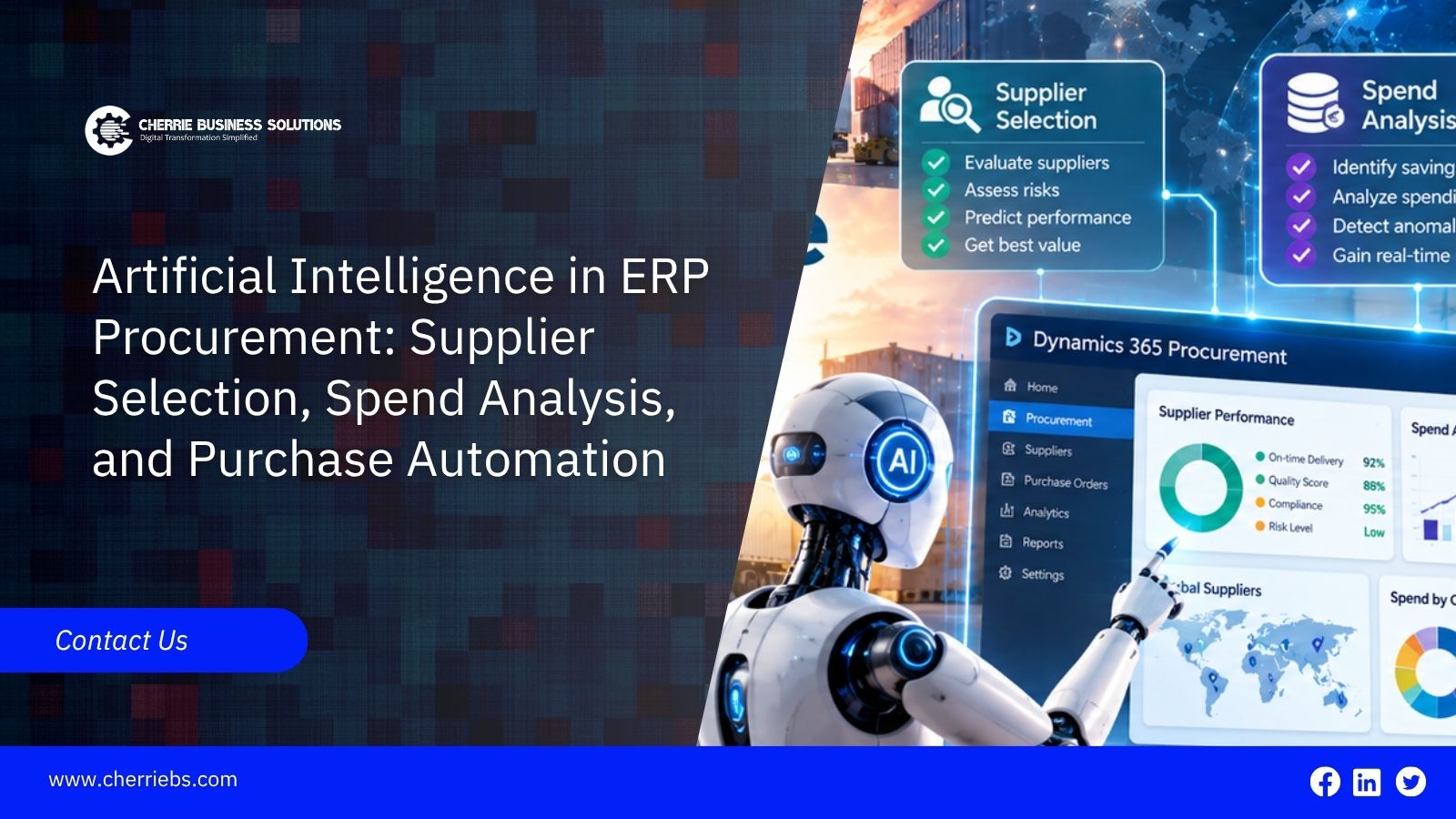
Studies from Microsoft reports that buyers can spend up to 50% of their day communicating with suppliers. This includes sending purchase orders, following up on confirmations, and correcting orders when suppliers request changes by email. As a result, buyers have less time for price negotiations and supplier performance reviews.
AI in ERP procurement helps reduce this workload by automating routine tasks and making better use of existing purchasing data. It can help businesses compare suppliers, analyse spending, create purchase orders, and track delayed deliveries.
This guide explains how AI can improve supplier selection, spend analysis, and purchase order management in Microsoft Dynamics 365. It also covers how businesses can introduce these features step by step without disrupting their existing procurement processes.
What Is AI in ERP Procurement?
Procurement in an ERP follows a process called procure-to-pay, from requesting goods or services to paying suppliers. AI can help at several stages of this process by automating routine tasks and helping teams make better purchasing decisions.
• At the requisition stage, it can suggest what to buy based on stock levels and past usage.
• When sourcing, it compares suppliers on price, delivery time, and quality.
• It drafts purchase orders and follows up when a confirmation is missing.
• On receiving and invoicing, it matches each invoice to the order and receipt and flags any gap.
• After payment, it reports spend by supplier, category, and period.
All of this comes from your own purchase history, vendor records, and documents, so the quality of that data sets the ceiling. A company with years of organized purchase records will get more out of AI procurement software than one with half-filled vendor cards.
Why Businesses Are Adding AI to ERP Procurement
Manual purchasing is fine until volume grows. Then the same problems show up again and again:
-
Buyers lose hours to emails and calls just to confirm deliveries.
-
Spend is scattered across many suppliers and item descriptions, and nobody sees the whole picture.
-
Some orders go to non-preferred suppliers, or at prices outside the agreement.
-
A late delivery is noticed when the shelf is already empty.
AI-powered procurement reads the documents, compares the figures, and raises an exception early. Buyers can then focus on the orders that really need a decision.
AI for Supplier Selection and Supplier Evaluation
Picking a supplier on unit price alone tends to cost more in the end, through late deliveries, rejected goods, or slow price creep. Your ERP already holds the history for a fuller view, and AI can fold it into one score per supplier and item. The inputs are usually:
-
On-time delivery rate and average delay.
-
Share of goods rejected on receipt.
-
Price changes compared with the contract price.
-
Lead time and payment terms.
-
Order accuracy, meaning quantity or item mismatches.
With scores in place, the system can rank suppliers for an item, warn you when a key supplier starts slipping, and suggest alternatives if delays keep repeating.
Use the score to support a decision, not to make it. It can't see a long working relationship, spare capacity, or a clause you negotiated, so strategic and single-source suppliers still need a buyer's judgment. It also leans on receiving discipline. If goods receipts are posted days late, the delivery figures are wrong, and the ranking goes with them.
AI-Powered Spend Analysis: Getting Spend Visibility in Your ERP
Spend analysis should be simple: show where the money went. It rarely is, because the same item gets entered several ways. "M10 bolt", "Bolt M10 SS" and "M bolt 10mm" can all be one thing, and a single supplier may hold two vendor accounts. A report then splits one purchase across several lines and hides the real total.
AI helps in three ways:
-
It sorts transactions into spend categories even when the descriptions don't match.
-
It finds duplicate vendor records and possible duplicate payments.
-
It flags prices that drift from the contract rate and purchases made outside approved suppliers.
The reports worth building first are spend by category, share of spend under contract, top suppliers by value, and price variance by item. If you buy in AED and in other currencies, pick one exchange rate method and stick to it; otherwise comparisons between periods will mislead.
None of this works well on messy records. Our post on master data management explains how to fix that layer first.
Purchase Order Automation and ERP Procurement Automation with AI
Purchase order automation reduces the amount of manual work buyers need to do. A typical process works like this:
-
Stock falls below the planned level, and the system proposes a purchase requisition
-
Once approved, the requisition becomes an order with the agreed supplier and price.
-
Low-value orders go through on their own, while bigger ones are sent to a manager.
-
The invoice is matched against the order and receipt, and only mismatches reach a person. In Business Central, the Payables Agent works on this step, which we cover in our post on AI agents in Business Central.
-
Unconfirmed or late orders get a reminder without anyone having to remember.
One warning. Automation speeds up whatever process you give it, including a faulty one. If approval limits are out of date or supplier terms are wrong in the system, the mistakes simply happen faster. Review those settings first, and our AI readiness checklist is a good place to begin.
Artificial Intelligence in Dynamics 365 Procurement: Supplier Communications Agent and More
Microsoft has added AI to Dynamics 365 for purchasing work in a few places.
The Supplier Communications Agent in Supply Chain Management is the one buyers will notice most. It reads incoming supplier emails, decides whether each one confirms an order, asks for a change, or rejects it, and links the email to the right purchase order. It also follows up on delayed or unconfirmed orders. Microsoft says it can be taught to map details from supplier emails and PDFs more accurately over time. A person can review what it does, and automatic sending of emails is a setting an administrator must switch on.
In Business Central, the Payables Agent handles vendor invoices. Underneath both sit the standard purchasing tools: purchase requisitions, requests for quotation, and approval workflows. They give the AI a structure to work within.
Check availability before you plan around any of this. The Supplier Communications Agent needs Supply Chain Management 10.0.44 or later, and Microsoft first released it as a preview. Confirm the current status and your own version with your implementation partner.
How to Start with AI in ERP Procurement
-
Choose one process to begin with, for example, following up on purchase orders or matching invoices.
-
Measure it for a few weeks first: order cycle time, share of orders confirmed on time, invoice match rate, and share of spend under contract.
-
Clean the vendor, item, and category records that the process depends on.
-
Run a pilot with one buying team or one company entity, and have a person approve what the AI does.
-
Compare the results with your baseline and adjust the rules.
-
Then move to the next process, such as supplier scoring or spend analysis.
Getting Started with AI-Powered Procurement
AI in ERP procurement helps businesses handle routine tasks such as invoice matching, supplier follow-ups, supplier evaluation, and spend tracking. This gives buyers more time to focus on price negotiations and building strong supplier relationships. To get the best results, businesses need accurate vendor and item data. Starting with a small pilot and measuring the results before expanding is a practical way to introduce AI.
At Cherrie Business Solutions, a Microsoft Dynamics ERP and CRM partners in Dubai, we help businesses improve their procurement processes. Our team reviews your current workflow, prepares vendor and item data, and configures the AI features that suit your Dynamics 365 environment.
Want to explore how AI can improve your procurement process? Contact Cherrie Business Solutions to discuss your requirements.