
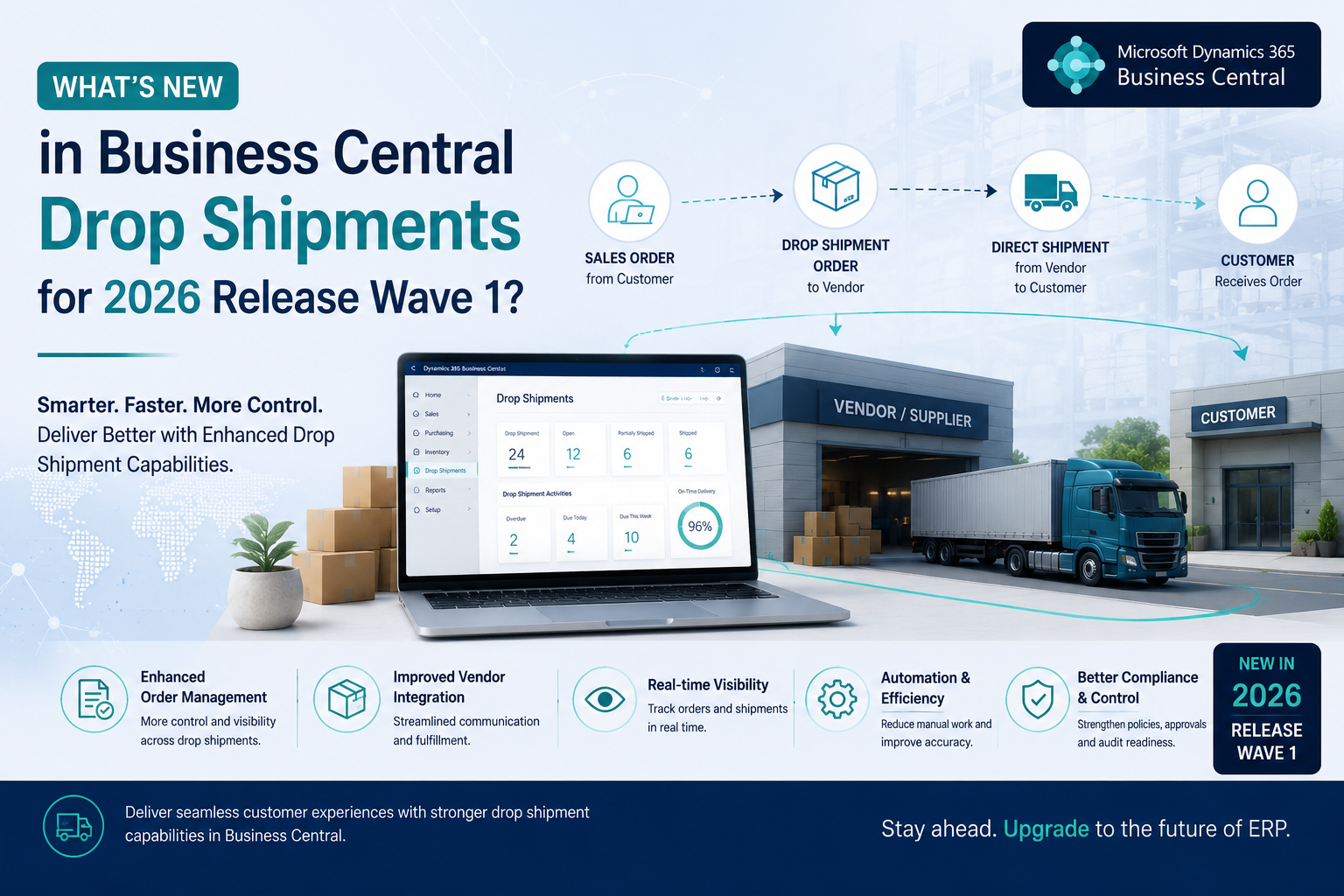
Microsoft Dynamics 365 Business Central 2026 Release Wave 1 introduces significant technical updates for supply chain management. For companies that rely on direct vendor deliveries, the version 28 release removes several long-standing software limitations.
In previous versions, managing these linked documents required a strict posting sequence and slightly complicated manual workarounds when inventory errors occurred. The newest update fundamentally redesigns this architecture. It separates the invoicing timeline, introduces a native correction tool for the warehouse, and expands how buyers generate purchasing documents.
Comparing the hard workflows required before this update to the new automated flexibility sets a strong foundation for the continued enhancements expected in Wave 2 later this year. This guide breaks down every specific technical change to drop shipments in this release and explains exactly how these new features optimize your daily accounting and purchasing operations.
What is Drop Shipment?
Before reviewing the technical updates, here is a simple definition. Drop shipping is an order fulfillment method where a business sells a product but does not keep it in physical stock.
Here’s how it works:
-
A customer places an order on your website.
-
You purchase the item from your vendor.
-
The vendor ships the physical item directly to your customer.
-
In Business Central, the customer sales order and the vendor purchase order are permanently linked to track the entire transaction.
While the core concept is simple, the way the software previously handled these linked documents caused some difficulties for both sales and accounting departments.
What Changed in the 2026 Release Wave 1 Update?
To understand the value of the 2026 Wave 1 release, you first need to look at the strict technical rules that existed before this update. Up until version 27, Business Central prioritized strict data sequencing over real-world business flexibility.
The Invoicing Rule: The system requires that you post the customer sales invoice before it will allow you to post the vendor purchase invoice.
The Correction Problem: If your warehouse team made a simple receiving error, you could not just reverse the action. You had to unravel the entire transaction manually.
The Ordering Problems: Generating the necessary purchase orders required buyers to navigate through the Requisition Worksheet, adding unnecessary steps for simple single-item orders.
The newest update significantly relaxes these technical restrictions. Let us break down exactly how the 2026 release solves each of these specific problems, starting with the biggest headache for your accounting department.
New Feature: Posting Purchase Invoices Independently
Previously, the software enforced a strict dependency between the two linked documents. This caused massive difficulties for accounts payable departments.
Suppliers often issue invoices immediately after dispatching goods. If your company policy dictates that you only bill customers at the end of the month, your accounts payable team is stuck. They had to hold onto unposted vendor bills and track them on external spreadsheets until the sales department finished their side of the process.
According to Ardent Partners, the average accounts payable department spends approximately 47 AED and over nine days to manually process a single invoice. Removing this forced dependency eliminates the manual tracking difficulties that traditionally cause over half of all invoices to be processed late or with errors.
Here are the benefits:
Total Independence: You can now post the purchase invoice the moment you receive it from your supplier. You no longer have to check the status of the customer sales invoice.
Easy Processing: Your team can process this directly from the purchase order screen or use the Get Receipt Lines action on a separate purchase invoice document.
Faster Financials: Your accounts payable and accounts receivable departments can now operate entirely independently. Everyone processes their documents as they arrive, keeping your financial reporting completely up to date.
Giving your accounting department the freedom to work faster is a huge win, but Microsoft also gave your warehouse team a powerful new tool to fix their daily mistakes.
New Feature: The Undo Shipment Button for Quick Corrections
Warehouse posting errors happen frequently in fast-moving supply chains. Prior to this release, reversing a posted drop shipment was a highly manual process. Accounting teams had to create credit memos, calculate manual inventory adjustments, and carefully recreate document lines on both sides just to balance the general ledger.
Research from Ardent Partners shows the average supply chain exception rate sits at 14%, with each manual exception costing approximately 195 AED to resolve in staff rework. An automated correction button instantly recoups these costs by preventing routine warehouse errors from snowballing into larger accounting discrepancies.
Version 28 introduces a dedicated correction feature specifically built to handle these scenarios safely.
The Undo Button: If neither the sales invoice nor the purchase invoice has been posted yet, you can simply open the posted sales shipment screen and select the Undo Shipment action.
Automated Corrections: Business Central takes over the heavy lifting. It automatically reverses the linked purchase receipt in the background and generates all the necessary correction entries for you based on the approval.
Crucial Technical Rule: You must always initiate this reversal from the posted sales shipment side. If a user attempts to click undo from the purchase receipt side, the system will actively generate an error message and block the action.
This feature condenses an hour of stressful accounting cleanup into a process that takes only a few seconds. Along with making corrections easier, the software now offers much faster ways to build these orders from the start.
Update: Faster Ways to Create Drop Shipment Orders
In older software versions, the primary method for generating a drop shipment purchase order was through the Requisition Worksheet. While that tool works well for planning an entire warehouse, it requires too many clicks for a simple transaction. The 2026 update expands your options with two distinct creation paths.
Direct Creation for Single Orders: You can now build a purchase order directly from the sales order screen. When you open a sales order containing a drop shipment line, simply click the Create Purchase Orders action. The system automatically pulls your preferred vendor details from the Item Card and drafts the document instantly.
Batch Creation for High Volume: If your purchasing department handles dozens of direct deliveries daily, the Planning Worksheet and Requisition Worksheet now include a dedicated Drop Shipment action group. By selecting the Get Sales Orders action, buyers can pull all pending direct delivery requests simultaneously and generate purchase orders in bulk.
Making the creation process faster is highly practical. However, once those orders are created, your supply chain managers need a clear way to track them.
Enhancement: Better Visibility Inside the Order Planning Page
Prior to this software release, direct deliveries were largely isolated from standard inventory planning modules. They did not appear clearly when purchasing managers ran their daily demand calculations. Planners had to run separate manual reports just to track what was shipping directly to clients.
The Wave 1 update fixes this visibility issue by integrating all demands into a single view.
Complete Demand Visibility: When your purchasing team utilizes the Calculate Plan action on the Order Planning page, drop shipments are now fully included in the final results.
Smarter Procurement: Buyers can now view standard warehouse replenishments right next to direct customer orders in one consolidated dashboard.
Better Supplier Negotiations: Having a clear view of the total product volume you need to buy across all fulfillment channels provides your business with much better leverage when negotiating volume discounts with your suppliers.
Closing Notes
The 2026 Release Wave 1 is all about giving your team the tools they need to work smarter. These drop shipment updates remove administrative hurdles, allowing your warehouse and accounting departments to collaborate effortlessly. While these enhancements deliver immediate operational benefits, successful adoption still depends on proper configuration and process alignment. As an official Dynamics 365 Business Central partner, Cherrie Business Solutions is here to help you unlock the full potential of your software investment. We work closely with your team to implement these enhancements smoothly and ensure your supply chain operates at peak efficiency. Reach out today to explore how we can elevate your daily operations.