
Ask a support manager how fast the team replies to email, and you will usually get a confident number. Ask the same question about WhatsApp, or about calls, and the answer tends to become an estimate. Each channel records time in its own way, usually in its own tool, so the figures never line up.
A support team can track response time across WhatsApp, email, and phone in Dynamics 365 by routing all three channels into Dynamics 365 Customer Service, measuring each one against its own target, and reporting them side by side. Email is tracked with service level agreements, WhatsApp with conversation metrics, and phone with wait time and abandonment. The rest of this article explains how each part works and where an ERP system fits in.
Why Response Time Differs Across WhatsApp, Email and Phone
An email can wait in a queue for an hour before anyone opens it, and the customer accepts that. A WhatsApp message arrives in the middle of a conversation, and the customer expects a reply within minutes. A phone call is answered within seconds, or the caller hangs up. Three channels, three different expectations.
For this reason, a single blended “average response time” does more harm than good. It hides the channel that is struggling behind the one that is doing well. A more useful approach measures each channel against its own target, using the same clock and the same definitions throughout. Dynamics 365 supports this, but it will not choose the definitions for you.
How to Define Response Time Before You Configure Dynamics 365
Agreeing on the definitions comes first, and it is worth doing on paper before anyone opens an admin screen. Four decisions matter: where the clock starts and stops, which replies count, which hours count, and how first response relates to resolution.
Start and stop points differ by channel:
-
Email: the clock starts when the message reaches the queue and stops when an agent sends the first reply. It is tracked with a first response SLA.
-
WhatsApp: the clock starts when the customer sends their first message and stops when an agent sends the first reply. Later waits are counted from each new customer message. It is tracked with first response time, along with response time, which shows how long the customer waits between later messages.
-
Phone: the clock starts when the call enters the queue and stops when an agent answers. It is tracked with wait time and the abandonment rate, which shows how many callers hang up before an agent answers, plus a callback target for missed calls.
Next, decide which replies count. For email and WhatsApp, the stopping point should be the first reply from a person. Automated acknowledgements and bot messages reach the customer quickly but resolve nothing, so most teams leave them out. Whichever way you decide, the system has to be configured to match.
Then set the calendar. Response time should count only the hours the team is available, so the working schedule, weekends, and public holidays must be defined properly.
Finally, separate first response from resolution. A quick first reply followed by two weeks of silence is poor service, and tracking only the first number would never show it.
How Dynamics 365 Customer Service Brings the Three Channels Together
The tracking sits in Dynamics 365 Customer Service, or in Dynamics 365 Contact Center, which Microsoft also offers as a standalone product. Email, WhatsApp, and voice conversations arrive in queues, are routed to agents, and are logged against the customer, so one record shows the full history of contact.
WhatsApp needs a little more planning than the other two channels. In Microsoft’s current documentation, it is connected through a supported messaging provider and configured in the Copilot Service admin center. This means a WhatsApp Business account is a prerequisite, and message templates must be approved by WhatsApp before they can be used. WhatsApp’s 24-hour session rule also decides when an agent can reply freely and when an approved template is required. These rules shape how conversations open and close, so they affect how response time is measured.
Email runs through standard queues and case management, and voice runs through the voice channel in the same service environment. All three can feed the same reports.
How to Track Email Response Time With SLAs in Dynamics 365
For email, the working tool is the service level agreement. An SLA is built from SLA KPIs, such as First Response By and Resolve By, and from SLA items that set the conditions. Each item can carry a warning time and a failure time, so an agent sees a timer counting down on the case while a supervisor sees breaches as they happen.
Every item also states what counts as success. A common rule is that the first response has been sent, which stops the first response clock. The rule has to match how your agents actually reply, for example, from within the case, so it should be tested before rollout.
Two settings protect the accuracy of the figures. An SLA can use a customer service schedule, which removes time outside business hours and closures from the calculation. Enhanced SLAs can also pause the clock while a case is on hold, for example, when the team is waiting for information from the customer. Without that pause, honest waiting time is counted against the team.
How to Track WhatsApp Response Time in Dynamics 365
WhatsApp is tracked through omnichannel analytics, which reports on conversations and not on cases. Microsoft defines average first response time as the average time an agent takes to reply after a customer starts a conversation, adjusted for operating hours. A related measure, service representative response time, shows how long customers wait between later messages. Read together, they show whether agents are quick at the start and whether they stay responsive as the conversation continues.
Messaging also has a quirk that email lacks. A conversation can sit idle for hours, and the customer may return the next morning. The team should decide how long a gap counts against agents and how a returning customer is treated, because those choices move the averages.
How to Track Phone Response Time in Dynamics 365
A phone call is either answered or abandoned, so “response time” is better expressed as speed to answer. Dynamics 365 reports wait time, which is the average time customers wait before connecting to a representative and is similar to speed to answer, along with handle time. The real-time voice report shows conversations in the queue, average wait time, and average handle time, so supervisors can add agents before a queue builds up.
Two measures deserve particular attention. The abandonment rate shows how many callers gave up before an agent answered. A missed-call callback target, such as returning every missed call within a set time, covers the callers nobody answered. Without that target, missed calls tend to vanish from every report.
Building One Response Time Report Across Channels
Omnichannel analytics offers real-time and historical dashboards, including conversation and agent views, and the data can be explored in Power BI. Case and SLA data from email sits alongside it. A manager can therefore see email, messaging and voice in one place, each against its own target.
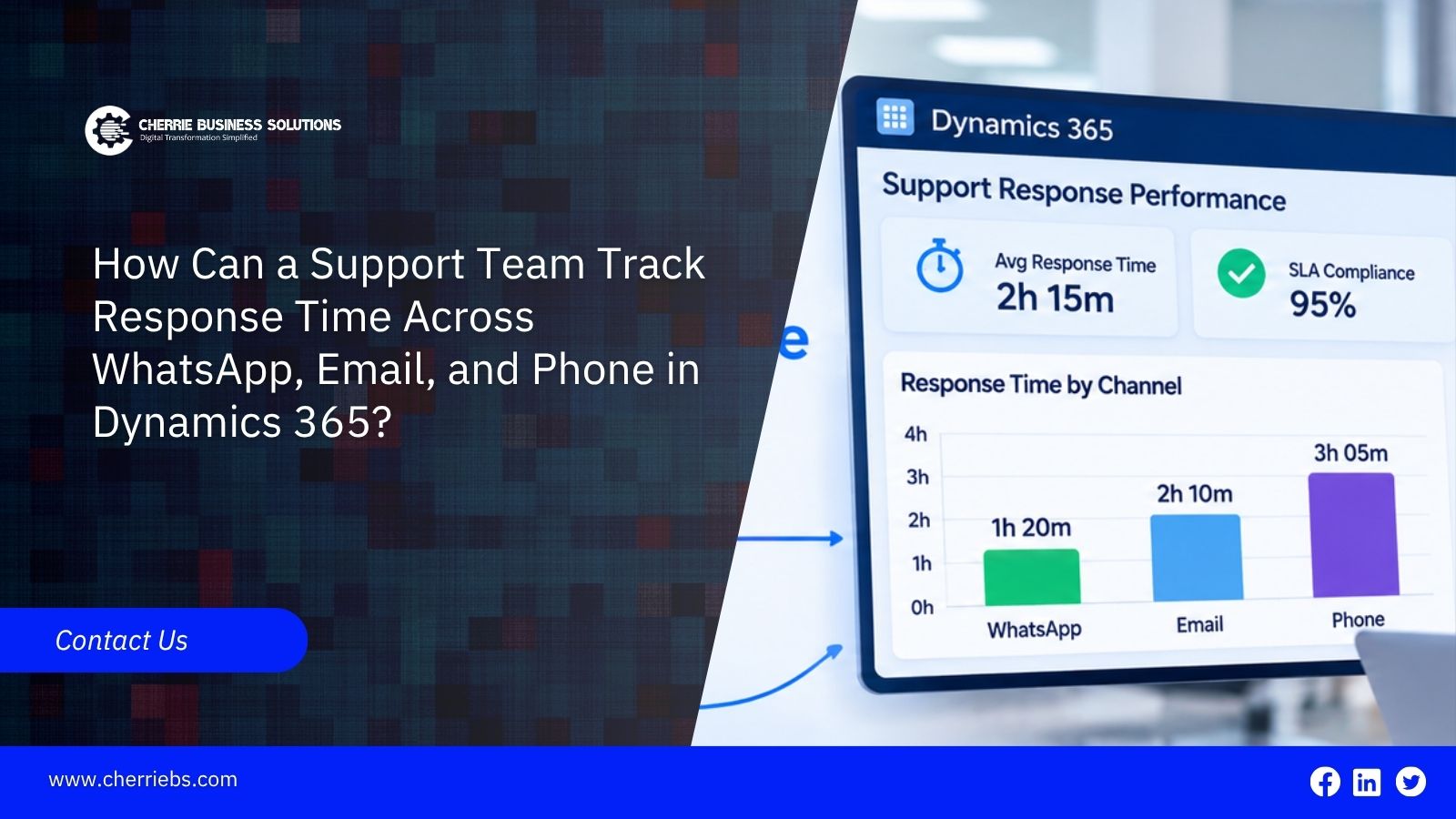
Resist the urgency to merge the channels into one number. A better scorecard lists first response for email, first response for WhatsApp and speed to answer for phone separately, with the target and the actual figure next to each. As an illustration only, a team might aim to reply to email within four business hours, give a first WhatsApp reply within five minutes, and answer calls within thirty seconds. The right targets depend on your customers and your staffing.
Why Your ERP System Should Connect to Your Support Platform
Response time measures speed. Whether a reply is useful depends on what the agent can see. Customers usually contact support about orders, deliveries, invoices, returns, and credit notes, and that information lives in the ERP system, not in the support tool.
When agents have to leave the case, log in to the ERP software, and search, the customer waits longer and handle time rises. When Dynamics 365 Customer Service and the ERP system share data, the agent sees the order, delivery status, and invoice on the same screen. Finance and Operations, Supply Chain Management, and Business Central can each connect to the wider Dynamics 365 platform through Dataverse integration, using options such as dual-write or virtual tables depending on the product. Your partner should confirm which approach suits your version.
The ERP software also affects how long cases take to close. A refund or a replacement usually depends on workflows inside the ERP system, such as approvals and credit note posting. A team can reply in minutes and still resolve slowly if those steps are slow, which is why resolution figures should be read alongside the underlying ERP process.
UAE-Specific Points for Support Teams Using Dynamics 365
A few local factors affect configuration. The customer service schedule should reflect the real working week, UAE public holidays, and any change in hours during Ramadan, when private-sector working hours are reduced by two hours a day. Customers write in both Arabic and English, so templates and routing rules should cover both languages.
Messages, transcripts and call recordings also contain personal data. Retention and consent should be reviewed with your legal advisers in light of the UAE personal data protection law, Federal Decree-Law No. 45 of 2021, and any rules specific to your sector.
Common Mistakes When Tracking Response Time
The most frequent mistake is comparing unlike things, such as an email SLA and a phone wait time, in a single average. Other errors follow a pattern: counting automated replies as a first response, leaving business hours unconfigured so nights and weekends inflate the figures, forgetting to pause the clock while waiting for the customer, and watching response time while ignoring resolution.
Some teams also run calls through a telephone system that is not connected to Dynamics 365, which leaves phone activity out of the data entirely. If a channel is not integrated, its response time cannot be reported.
Working With a Microsoft Dynamics Implementation Partner in Dubai
The configuration itself is manageable. The decisions behind it are where teams go wrong: how to define the clock, what counts as a response, how to set up WhatsApp correctly, and how to link the support platform to the ERP system. A Microsoft Dynamics implementation partner in Dubai can work through these choices with your support and finance teams, connect Dynamics 365 Customer Service to your ERP software, and set up schedules and reports suited to local working conditions. Cherrie Business Solutions supports businesses with Dynamics 365 implementations across Finance, Supply Chain Management and Business Central.
Conclusion
Tracking response time across WhatsApp, email and phone in Dynamics 365 begins with agreeing what a response is, and then measuring each channel against its own target. Email suits SLAs, WhatsApp suits conversation metrics, and phone suits wait time and abandonment. Connecting the support platform to your ERP system then makes replies both faster and more useful.
If you are reviewing how your support team measures service across channels, contact Cherrie Business Solutions, a Microsoft Dynamics implementation partner in Dubai, for setup.