
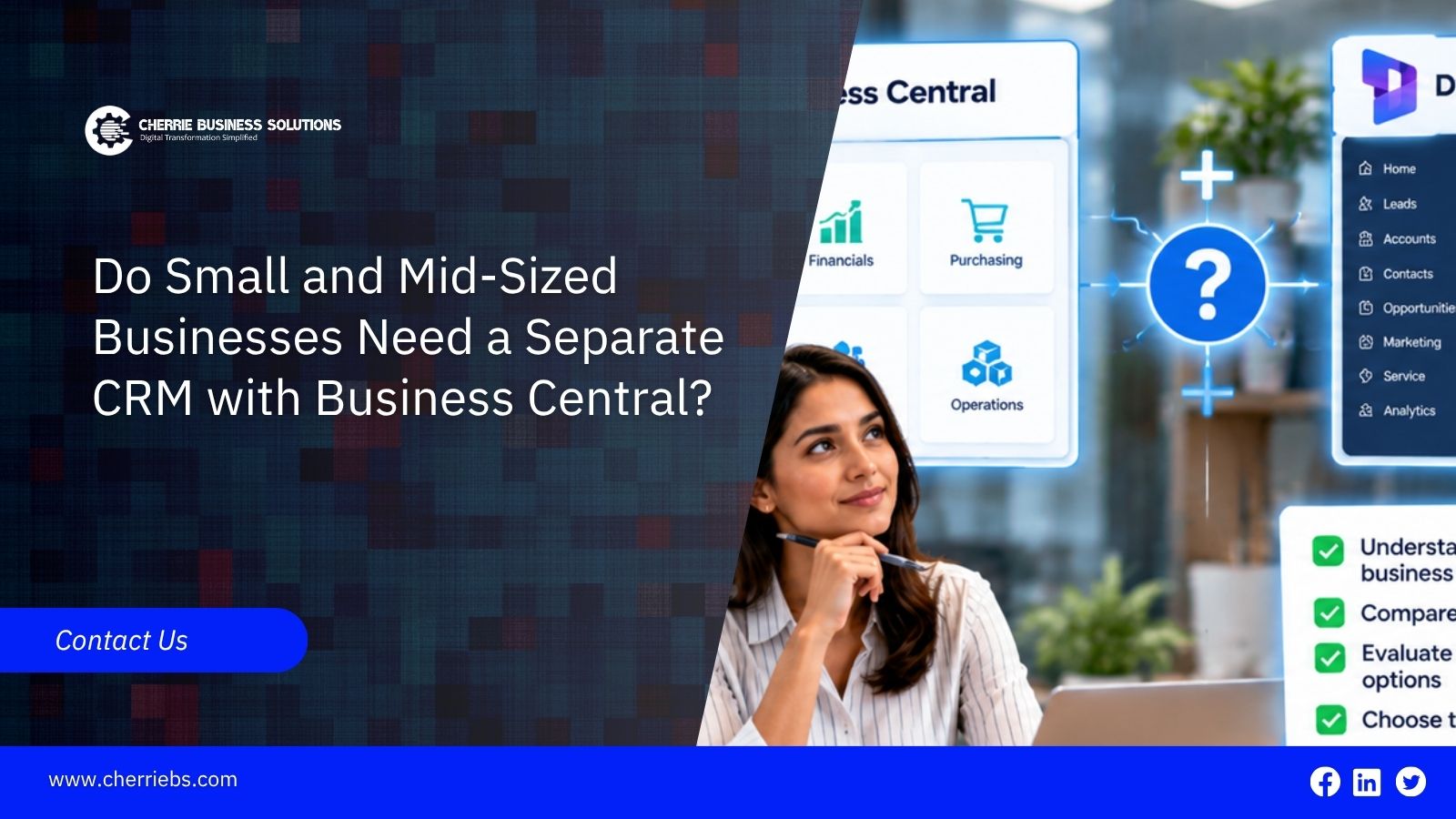
Not always. Many small and mid-sized businesses on Business Central get by with the relationship management tools that come with it, and adding a second system too early just creates extra data entry. But there is a point where a dedicated CRM pays for itself. This post explains what Business Central already covers, where teams tend to outgrow it, how the Dynamics 365 Sales integration works, and how to decide without guessing.
Do You Need a Separate CRM with Business Central? The Short Answer
If your sales process is simple, probably not. A small team that tracks contacts, sends quotes, follows a handful of opportunities, and turns them into sales orders can do all of that inside Business Central. If you have a bigger sales team, long sales cycles, heavy marketing activity, or a customer service function, a dedicated CRM is worth a closer look.
Microsoft describes the integrated option this way on Microsoft Learn: use Dynamics 365 Sales for customer engagement and Business Central for back-end work such as orders, inventory, and finances. The rest of this post helps you work out which side of the line you are on.
What CRM Features Are Built into Business Central?
Business Central includes relationship management. Contacts are its master data. You can register opportunities and quotes for contacts, synchronize contacts with customers and vendors, and manage duplicate contacts. On top of that, you get:
-
Segments: Groups of contacts selected by criteria such as industry.
-
Opportunities: Tracked through sales cycles and stages, with sales quotes linked to them.
-
Campaigns: Built on segments, with responses recorded as interactions.
-
Interaction log: Calls, emails, and meetings, plus documents such as quotes and invoices.
Because all of this stays in the same database as your customers, items, and invoices, a won opportunity can move into a quote and a sales order without anyone retyping it.
Limitations of Business Central’s Built-In CRM
Business Central's relationship management is built to support the sales-to-cash flow. It is not a specialist sales and marketing tool, and teams commonly start looking for more in a few areas:
-
Pipeline visibility for a growing team, with forecasts and management dashboards.
-
Lead handling at volume, such as capturing, scoring, and routing leads.
-
Marketing beyond segments and mail merges, for example, automated follow-up across channels.
-
Customer service, such as case tracking and response targets.
None of this is a flaw. Business Central is an ERP, and these features are not what it is for. The useful question is whether your team needs the extras today, or only thinks it might need them one day.
When a Small or Mid-Sized Business Needs a Separate CRM
The signs that it is time:
-
Several salespeople work the same pipeline, and managers need forecasts they can trust.
-
Leads arrive from the website, events, or campaigns faster than people can follow them up.
-
Marketing and service teams need the same customer history as sales.
-
Reps are keeping side spreadsheets because the system does not match how they sell.
And the signs that you can wait: a sales team of a few people, a short sales cycle, mostly repeat customers, and a marketing effort that amounts to the occasional mailing. In that situation, a second system adds licences, training, and sync work without adding much.
Dynamics 365 Sales and Business Central: How the Integration Works
Microsoft's documentation states that Business Central integrates only with Dynamics 365 Sales. The connection runs through Dataverse and is set up with an assisted setup guide, where you choose which data to synchronize.
The key idea is coupling. You match records in one system to records in the other: an account in Sales to a customer in Business Central, a salesperson to a user, a product to an item. After that, the documented integration lets you:
-
Keep customers, contacts and sales information up to date in both applications.
-
Pass sales orders submitted in Sales into Business Central, automatically or with a Create in Business Central action.
-
Transfer activated sales quotes and synchronize sales prices.
If you would rather use a different CRM, expect a third-party connector or a custom integration built on Business Central's APIs.
Business Central CRM vs Dynamics 365 Sales: Key Differences
Business Central's relationship management is part of the ERP, so it shares one database with your finances and stock. Dynamics 365 Sales is a separate application built around the selling process.
-
Where the data is located: inside Business Central, or in Dataverse and synchronized to Business Central.
-
Who it suits: the built-in tools fit small sales teams already working in the ERP. Sales fits dedicated sales and marketing users.
-
Licensing: the built-in features belong to Business Central. Dynamics 365 Sales is licensed separately.
-
Upkeep: an integration needs setup, coupling, and monitoring of the synchronization jobs.
Cost and Licensing Considerations for Growing Businesses
A separate CRM costs more than its licence line. There is the integration setup, the data clean-up before the first synchronization, user training, and ongoing admin. Dynamics 365 Sales is licensed separately from Business Central, and plans differ, so check the current options with your licensing partner before you budget.
The other side of the ledger is time. Reps who stop switching between systems and managers who stop chasing updates save real hours. Our advice is simple: do not pay for features you cannot name a use for in the next twelve months.
How to Decide: A Practical Checklist for SMBs
Ask yourself:
-
How many people work in the sales pipeline?
-
Do managers need forecasts, or only a list of open quotes?
-
How many leads arrive each week, and who follows them up?
-
Do marketing or service teams need the same customer view?
-
Can your current process be mapped to Business Central opportunities and sales cycles?
Mostly no means stay with the built-in tools. Mostly yes means plan for Dynamics 365 Sales. Before you commit, try the built-in features for a month. Set up your sales cycle, import your contacts, and run real opportunities through it. That test costs far less than a failed integration.
Avoiding Duplicate Data When You Run CRM and Business Central Together
Two systems create a duplication risk. One customer can end up as an account in the CRM, a customer in Business Central, and a contact in both. Settle a few rules before the first synchronization:
-
Decide which system owns which record type. A common rule keeps financial customer data in Business Central and relationship data, such as contacts and opportunities, in the CRM.
-
Clean the data first. Synchronizing messy records only copies the mes
-
Limit who can create new customers, so one person does not add the same company twic
Duplicate customer records are a master data problem, and they cost more than they look. Our post on master data management explains why.
Choosing the Right CRM Setup for Your Business Central Environment
The right answer depends on how your team sells, not on what is fashionable. Start with the built-in tools, measure where they slow you down, and add a dedicated CRM when you can point to a specific need.
If you are weighing the options, it helps to have someone map your sales process against both. Cherrie Business Solutions is a Microsoft Dynamics ERP & CRM partners in UAE. Our team can review how you sell today, test it against Business Central's built-in tools, and set up the Dynamics 365 Sales integration if it turns out you need it. Contact us today!