
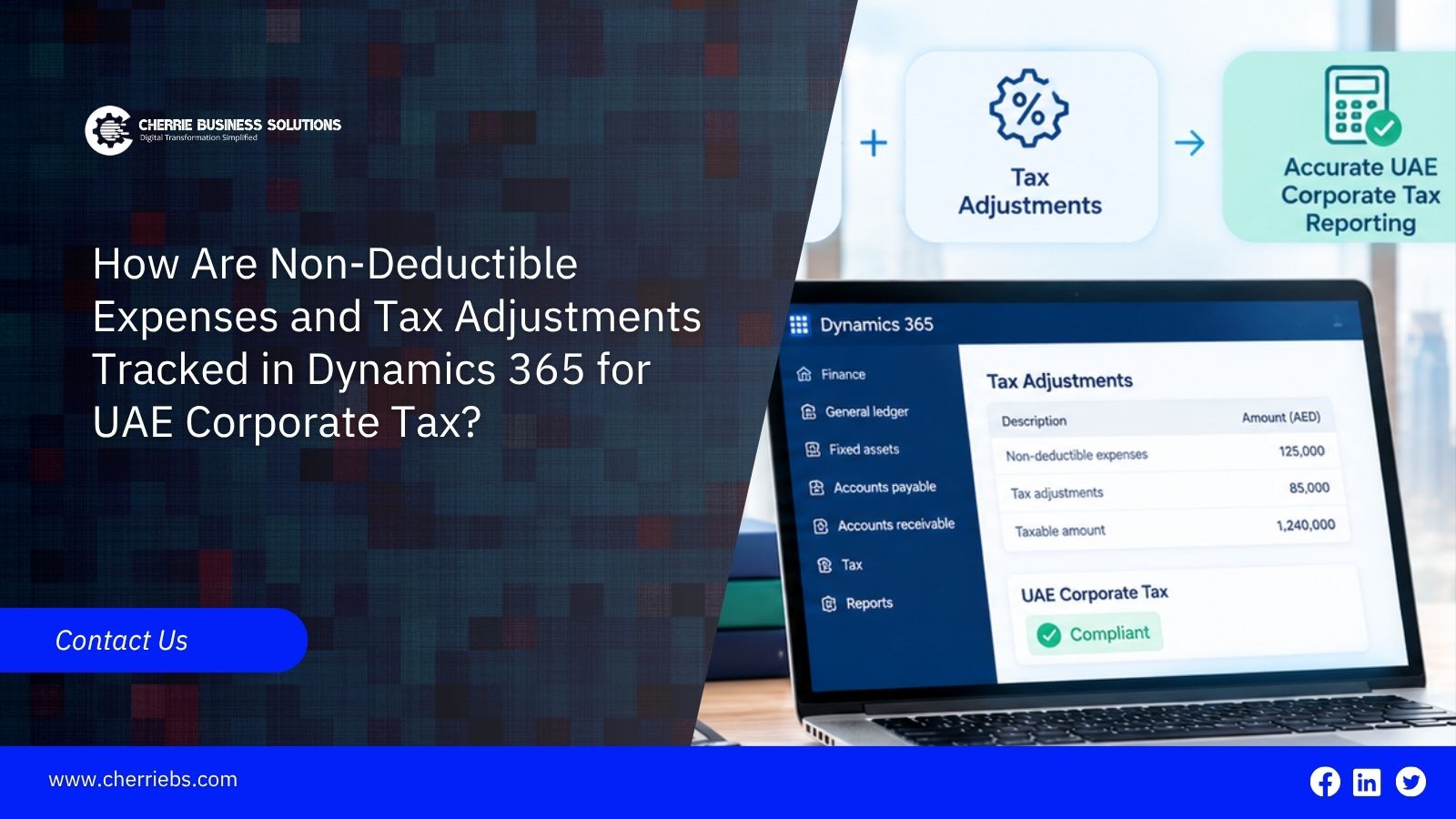
UAE Corporate Tax is calculated on accounting profit that has been adjusted for items the law treats differently. An expense that is correctly booked in the ledger may still be wholly or partly disallowed when taxable income is worked out. Finance teams therefore need a dependable way to identify those items throughout the year, and not only when the return is being prepared.
The timing is also relevant to e-invoicing. As structured invoice data starts moving through accredited service providers, the figures in your ledger will sit next to figures that the Federal Tax Authority (FTA) can see. This article explains how non-deductible expenses and other Dynamics 365 corporate tax adjustments can be tracked, how e-invoicing fits into that process, and how to set things up so every figure can be supported.
How UAE Corporate Tax Starts From Accounting Income
The Corporate Tax Law (Federal Decree-Law No. 47 of 2022) applies to tax periods starting on or after 1 June 2023. Taxable income begins with the net profit or loss shown in the financial statements. Adjustments are then made for items such as exempt income, non-deductible expenditure, unrealised gains and losses where relevant, related-party transactions and tax loss relief. Tax is charged at 0% on taxable income up to AED 375,000 and at 9% on the amount above it.
A tax adjustment is the difference between how an item is recorded in the accounts and how the law treats it. In most companies, the ledger itself is not changed to reflect this. The adjustment is made in the tax computation that sits alongside the accounts.
Items That Commonly Require Adjustment
The following are the main categories for most businesses:
-
Entertainment expenditure: Only 50% of entertainment, amusement and recreation expenditure for customers, shareholders, suppliers and other business partners is deductible. This covers meals, accommodation, transportation, admission fees, and related facilities. Staff entertainment is not subject to the 50% limit.
-
Fines and penalties: These are generally non-deductible, apart from amounts paid as compensation for damages or breach of contract.
-
Donations, grants and gifts: These are non-deductible unless the recipient is a Qualifying Public Benefit Entity.
-
Dividends and profit distributions, Corporate Tax itself, recoverable input VAT, bribes and other illegal payments: none of these are deductible.
-
Expenditure not incurred for the purposes of the business: This includes personal or private costs, along with expenditure incurred in deriving exempt income.
-
Interest above the limit: net interest expenditure is deductible up to 30% of tax-adjusted EBITDA, subject to a minimum threshold of AED 12 million. Disallowed amounts can be carried forward for ten tax periods.
Other adjustments are not expenses at all. Exempt income is removed, related-party transactions must reflect arm’s length terms, and tax losses carried forward can offset no more than 75% of taxable income in a period. This list is not exhaustive, and the law allows further categories to be specified by Cabinet decision, so confirm the current position with your tax adviser.
What Dynamics 365 Supports for UAE Tax
Microsoft’s UAE localization documentation for Dynamics 365 Finance covers VAT setup and reporting, the FTA Tax Audit File, and the UAE sales invoice layout. At the time of writing, a built-in Corporate Tax computation or return is not listed among those features. Check your own release and Microsoft’s regulatory update notices, since this can change.
In practice, tracking Dynamics 365 corporate tax adjustments depends on how the system is configured and on the reports built on top of the ledger. The same approach applies in Finance and Operations and in Business Central. It is a design task, and it is far easier to do before transactions are posted than after year-end.
How UAE E-Invoicing Affects Corporate Tax Tracking
E-invoicing is a separate regime from Corporate Tax, but both draw on the same transaction data. The UAE system covers business-to-business and business-to-government transactions, and invoices are issued as structured PINT AE data through an Accredited Service Provider (ASP) on a Peppol-based network. Mandatory use begins on 1 January 2027 for businesses with revenue of AED 50 million or more, on 1 July 2027 for other businesses, and on 1 October 2027 for government entities. These dates have been adjusted before, so confirm the current timetable with the Ministry of Finance and the FTA.
For tax tracking, this has several practical effects:
-
Revenue should reconcile to invoice data. Tax data from each invoice is reported through the supplier’s ASP, so the sales recorded in the ledger and the invoices issued through the system should agree. Credit notes follow the same route. A regular reconciliation is easier to maintain than one prepared at year-end.
-
Master data matters more. E-invoices rely on accurate tax identification details for customers and vendors. The same clean records make it easier to flag related parties and to apply a tax treatment to each vendo
-
Structured purchase invoices reduce manual entry. Invoices received through the network arrive as data, which gives a more consistent starting point for classifying expenses.
-
Many deduction questions sit outside e-invoicing. Fines, donations, bank charges, and personal costs do not usually arrive as e-invoices, so they still need classification at the point of entry.
On the system side, Microsoft’s release plans list UAE electronic invoicing for Dynamics 365 Finance, but availability depends on your release, and Microsoft’s feature does not replace the need for an ASP. Business Central generally needs a connector or extension. Confirm the current position before planning your configuration.
Setting Up Dynamics 365 to Track Non-Deductible Expenses
These steps give the tax computation clean data to work from:
-
Design the chart of accounts around tax treatment. Keep separate accounts for client entertainment, staff entertainment, fines and penalties, donations, and owners’ personal costs. If one account holds both client and staff entertainment, separating them later means reviewing every transaction.
-
Use a financial dimension where accounts are not enough. A “tax treatment” dimension with a few values, such as fully deductible, partly deductible, and non-deductible, can be reported alongside the ledger. Default the value from source records such as vendors where possible, so staff are not choosing it by hand. Keep the number of values small.
-
Control classification at the point of entry. In expense management, use separate categories for client and staff entertainment, and configure policies to require receipts and a business purpose, depending on your setup.
-
Separate regulatory fines from contractual penalties. A fine from a government authority and a late-delivery penalty paid to a supplier are treated differently, so they should not share an account.
-
Record who received a donation. The deduction depends on whether the recipient is a Qualifying Public Benefit Entity, so the recipient should be identifiable from the transaction.
-
Flag related parties. A vendor group or dimension that identifies related-party vendors and customers makes interest, management fees, and similar payments easy to extract and review.
Building a Dynamics 365 Corporate Tax Adjustments Report
Once the data is tagged, a report built from the ledger can bridge accounting profit to taxable income. In Finance and Operations, this is usually done with financial reporting, and in Business Central with financial reports. Many teams then export the result to Excel or Power BI, where the tax adviser can add items that sit outside the ledger.
An illustration with simple figures, ignoring losses, reliefs and other adjustments:
-
Accounting profit: AED 800,000
-
Add back 50% of AED 40,000 client entertainment: AED 20,000
-
Add back statutory fines: AED 15,000
-
Add back donation to a non-qualifying entity: AED 5,000
-
Add back owner’s personal costs: AED 10,000
-
Taxable income: AED 850,000
-
Tax at 9% on the amount above AED 375,000: AED 42,750
Because the ledger remains on an accounting basis, the adjustments normally stay in the computation. What the ledger needs is the current tax charge and, where relevant, deferred tax, as determined by your accountants. Permanent differences such as fines do not reverse later, so they do not create deferred tax.
Keeping Records the FTA Can Rely On
Supporting records must be kept for at least seven years after the end of the tax period to which they relate. In Dynamics 365, this means keeping source documents attached to invoices and journals, approval workflow on manual journals, and a saved copy of each computation with its reconciliation to the ledger. For companies in the e-invoicing phases, it also means keeping the e-invoice records and ASP status messages that support the sales and purchase figures.
The return and payment are due within nine months of the end of the tax period and are filed through the FTA’s EmaraTax portal. Businesses that elect Small Business Relief, now available for tax periods ending on or before 31 December 2029 where revenue is AED 3 million or less, are treated as having no taxable income for the period. They remain subject to registration, filing, and record-keeping obligations.
Common Gaps in ERP-Based Tax Tracking
-
A single “entertainment” or “other expenses” account that mixes different tax treatments.
-
Fines and contractual penalties posted to the same account.
-
Adjustments calculated in a spreadsheet that cannot be traced back to ledger balances.
-
Reviewing adjustments only at year-end, when explanations are hardest to obtain.
-
Running e-invoicing and Corporate Tax as separate projects, so invoice data and ledger balances drift apart.
-
Assuming the UAE localization covers more than Microsoft’s documentation states.
Working With a Microsoft Dynamics Implementation Partner in Dubai
Tax tracking is easiest to get right during implementation, when the chart of accounts, dimensions, and reports are being designed. A Microsoft Dynamics implementation partner in Dubai can help translate tax requirements into account structures and reports, working alongside your tax adviser, who remains responsible for the interpretation of the law. Because e-invoicing and Corporate Tax draw on the same invoice and master data, it also makes sense to plan them together.
Conclusion
Tracking non-deductible expenses in Dynamics 365 comes down to three habits: separate the items at the point of entry, report them from the ledger on a regular schedule, and keep the evidence for at least seven years. The system does not replace tax advice, but good configuration makes that advice quicker to apply and easier to defend.
The same data discipline supports e-invoicing readiness. Clean customer and vendor records, consistent invoice data, and a regular reconciliation to the ledger serve both obligations. If you are preparing for the e-invoicing phases, see how Cherrie Business Solutions approaches a UAE e-invoicing solution for Dynamics 365, and speak to our team about reviewing how your current setup handles Dynamics 365 corporate tax adjustments. As a Microsoft Dynamics implementation partner in Dubai, we can look at both together.