
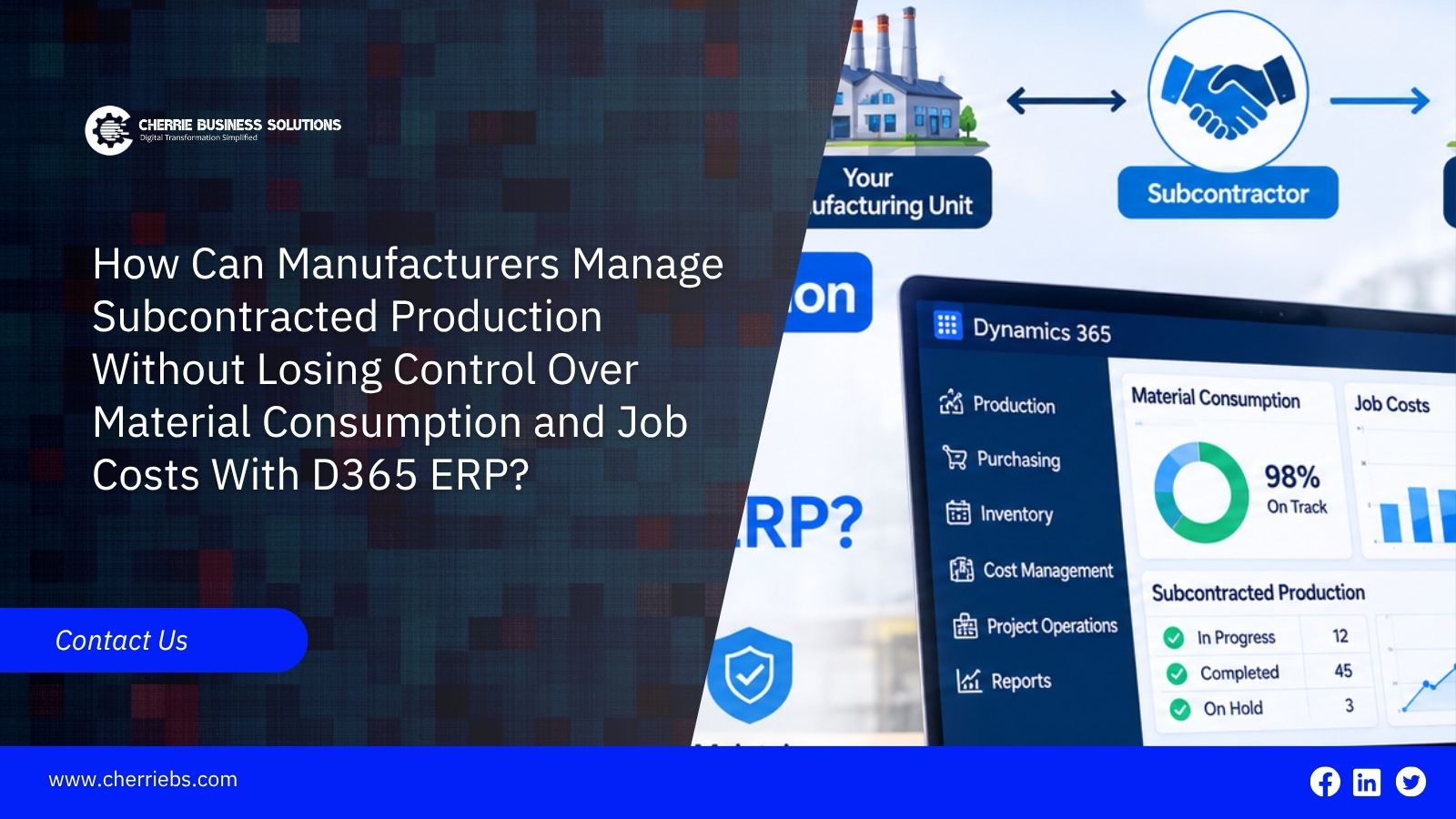
Manufacturers keep control of subcontracted production in Dynamics 365 by treating the outsourced operation as part of the production order, not as a separate purchase. The routing operation is linked to a service purchase order, materials sent to the vendor are tracked in a vendor warehouse, consumption is reported against the production order, and the service cost is posted to the same job. The result is one order that shows what was sent, what was used, and what it cost.
This article explains how that works in practice, where the controls stay in Dynamics 365 Supply Chain Management and Business Central, and what to settle before configuration begins.
Where Control is Lost in Subcontracted Production
Subcontracting rarely goes wrong at the moment of the decision to outsource. It goes wrong in the gaps afterwards. Materials leave the factory and disappear from view, so nobody can say how much is sitting at the vendor. The vendor’s yield differs from the standard, and the loss is discovered only when a short delivery arrives. The invoice arrives and is paid as a general purchase, which means the cost never reaches the job it belongs to. By the time the product is sold, its true cost is partly buried in the purchase ledger.
An ERP system can solve these gaps only when subcontracted work is included in the production process. If it is treated as a regular purchase order, the system may record the purchase and payment but will not show the actual production progress, material usage, or related costs.
Choosing the Right Subcontracting Model
Before configuring anything, decide which of three situations applies, because each calls for a different set-up in Dynamics 365.
In the first, the vendor supplies everything and delivers a finished item. This is an ordinary purchase, and production control has little to do with it. In the second, the manufacturer sends materials and pays only for the operation, such as plating, heat treatment, or assembly. This is the case that needs careful control, because the manufacturer’s own stock is being consumed at someone else’s premises. In the third case, the vendor supplies some materials, and the manufacturer supplies others, which combines the risks of both.
Most control problems arise in the second and third cases, and the rest of this article concentrates on them.
Setting Up Subcontracted Operations in Dynamics 365 Supply Chain Management
In Supply Chain Management, subcontracting of route operations is built around a service. The service product used to procure the work must be defined as a product of the Service type, and purchase agreements act as service agreements that hold the agreed price. When a production order is estimated, a purchase order is created for the service product, and that purchase order becomes the anchor for the subcontracted operation. When the purchase order line is received, the production operation is updated as completed.
Two features of this design matter for control. A single production order can have many operations, and each can be allocated to a different vendor, so one order may generate several purchase orders. And because receipt completes the operation, the receipt step is where the manufacturer confirms that the work has actually been done, which is a natural point for a quality check.
Microsoft’s documentation also notes that Supply Chain Management has no explicit concept of semi-finished products in this context. Where a part comes back from the vendor partly processed, the routing and bill of materials need to be designed with that in mind, preferably in a workshop with your partner before any set-up begins.
Tracking Materials Held by the Subcontractor
Material control depends on knowing what is physically at the vendor. In Supply Chain Management, a vendor-managed warehouse is defined by creating a warehouse and assigning the vendor account to it. Materials moved there remain the manufacturer’s stock and appear in inventory reports as on-hand at the vendor. Bill of materials lines can then reference that warehouse, so consumption is drawn from the stock the vendor actually holds.
This gives the planner a view that spreadsheets rarely provide: current quantities by vendor and by item. Periodic stock counts at the vendor’s premises can be compared with the system quantity, and differences investigated before they become write-offs. Where materials are batch- or serial controlled, the traceability follows the item to the vendor and back.
Controlling Material Consumption
Once a production order has started, material and resource consumption can be reported against it. Consumption can be reported through picking list journals or through backflushing at the start or end of the operation, depending on the flushing principle chosen for each component. For subcontracted work, the decision matters. Automatic backflushing assumes the vendor used exactly the standard quantity, which is acceptable for low-value items and risky for expensive ones.
For valuable or scrap-prone materials, many manufacturers require the vendor to report actual consumption and yield, and a planner posts the figures. The system can then show the gap between standard and actual usage for every order. Microsoft’s guidance makes the underlying point clear: actual cost methods depend on accurate reporting at job level, whereas periodic methods tolerate less granular reporting. The more precisely you want to know your job cost, the more disciplined the consumption reporting has to be.
A practical rule is to agree an acceptable scrap allowance with each vendor and to review any order that exceeds it before the receipt is posted.
How Dynamics 365 Tracks Job Costs for Subcontracted Work
Job costing begins with the estimate. When a production order is estimated, the system calculates expected costs for materials, operations, and indirect costs, including the subcontracted service. These can be viewed through the price calculation page or the cost estimates and costings report, which show estimated and actual costs and quantities by component, operation, and indirect cost.
Actual costs build up as consumption is reported and as the service cost is allocated, through the purchase receipt or invoice depending on configuration. When the order is ended, estimated costs of material, labour and overhead are replaced by actual costs. For items on standard cost, the system then calculates four variances: lot size, production quantity, production price and production substitution. These can be analysed on the variance page or in the production variance report, by item, resource or cost group.
For a manufacturer, the practical value is visibility. A subcontracting price that rose, a yield that fell, or an extra material issue appears against a specific order, not as an unexplained movement in the general ledger. Finance teams should still reconcile the work-in-progress balance to the open production orders each period, so that subcontracted jobs that have been received but not ended do not sit unnoticed.
Subcontracting in Business Central
Business Central approaches the same problem differently. Subcontracting is available as a Microsoft-published extension, installed from the Extension Management page or Microsoft’s marketplace. It includes a subcontracting worksheet, which finds production orders with material ready to send to a subcontractor and creates the purchase orders automatically. Component supply methods control how components are handled, and item charges allow precise cost allocation to production orders.
Microsoft’s 2026 release wave 1 plan describes further capabilities, including logistics flows for transferring raw materials and finished goods to and from subcontractors, flexible pricing by work centre, item, and quantity, and receipt of finished goods with item tracking. On the cost side, a finished production order brings together the actual cost of consumed materials, capacity, subcontracting, and overhead, and cost adjustment reconciles those costs with work in progress and inventory. Only orders with the status Finished are considered for adjustment, so closing orders promptly matters.
Features differ by release, so confirm the current position for your version before settling the design.
Reconciling Receipts, Invoices and Production Records
Subcontracted production touches three documents, and control improves when they agree. The purchase order states what was ordered and at what price. The receipt records what came back, and in Supply Chain Management, it completes the operation. The vendor invoice states what is being charged. A mismatch between any two is a reason to stop before payment.
Where the price comes from a purchase agreement, the invoice can be checked against the agreed rate automatically. The more important check is quantity, comparing what the vendor was sent, what was returned, and what was reported as consumed or scrapped. A vendor that is paid for a quantity of finished work that cannot be reconciled with the materials issued is a cost problem, and sometimes a trust problem as well.
VAT and e-invoicing also apply. Invoices from subcontractors are business-to-business transactions and fall within the UAE’s phased e-invoicing rollout, which becomes mandatory on 1 January 2027 for businesses with revenue of AED 50 million or more and on 1 July 2027 for others. VAT on movements of goods to subcontractors, especially in free zones or abroad, needs advice from your tax adviser, and the invoice data your ERP system holds should be planned accordingly. Confirm current dates with the Ministry of Finance and the Federal Tax Authority.
A Practical Control Checklist
-
Record every subcontracted operation as a routing operation linked to a service item, not as a free-text purchase.
-
Hold materials at the vendor in a vendor warehouse so quantities are visible.
-
Decide which components are backflushed and which require reported consumption.
-
Agree scrap allowances with each vendor and review orders that exceed them.
-
Receive subcontracted work only after the quality check.
-
Compare estimated and actual costs for every ended order and investigate material variances.
-
Reconcile work in progress to open production orders at each period end.
Working With a Microsoft Dynamics Implementation Partner in Dubai
Subcontracting looks simple in a demonstration and becomes detailed in a real factory. Decisions about the service item, the vendor warehouse, the flushing principle, and the costing method interact, and a poor choice in one affects the others. A Microsoft Dynamics implementation partner in Dubai can design the model with your production, purchasing, and finance teams, configure Dynamics 365 so that subcontracted operations flow into job costs, and align invoicing with UAE VAT and e-invoicing requirements. Cherrie Business Solutions supports manufacturers with Dynamics 365 implementations across Finance, Supply Chain Management, and Business Central.
Conclusion
Control over subcontracted production comes from keeping the outsourced operation inside the production order. When the service purchase, the materials at the vendor, the reported consumption, and the cost all attach to the same job, a manufacturer can see what was sent, what was used, and what each order really cost. The ERP software provides the structure, and the discipline of reporting and reconciling provides the control.