
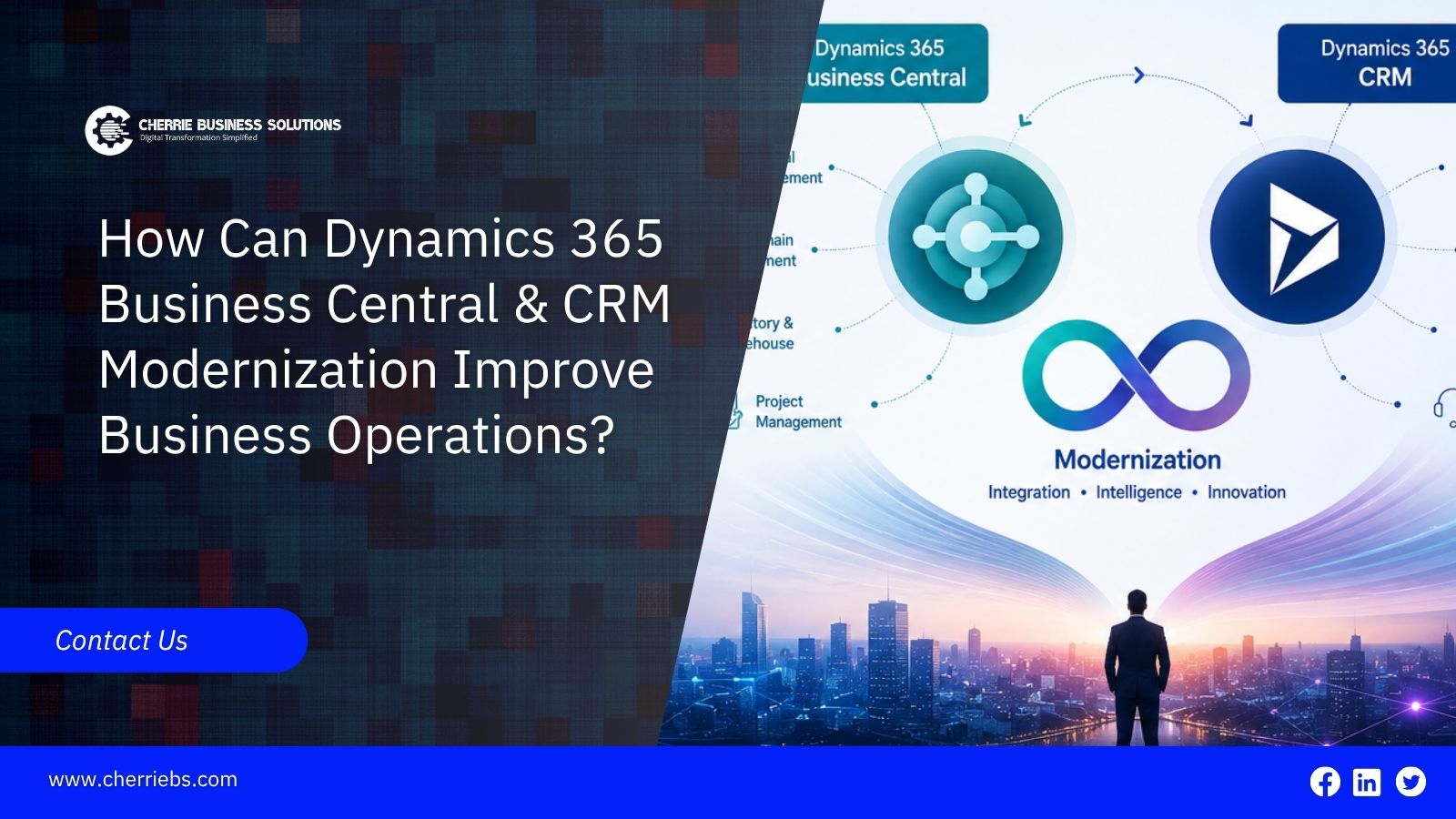
Running a business on older, disconnected software gets incredibly frustrating as your company grows. Employees end up spending way too much time searching for basic customer details, fixing typos, and double-checking invoices. This administrative drag is exactly why so many companies are rethinking their technology. They are moving to modern platforms like Microsoft Dynamics 365 to manage their data better, whether they host it in the cloud or on their own updated servers.
But what does "modernization" actually mean for companies using Business Central and CRM tools? It goes way beyond just buying a new software license. Real modernization fixes the communication breakdown between your different departments. We are going to break down the hidden costs of keeping old technology, what upgrading actually looks like, and how connecting your ERP and CRM completely changes your daily operations.
The Problem with Legacy and Disconnected Systems
A lot of mid-sized companies accidentally build invisible walls inside their own offices. Your warehouse and finance teams track vendors, bills, and inventory inside an older Enterprise Resource Planning system. At the same time, your sales and support teams handle client phone calls in a totally separate CRM program.
Because these two systems cannot sync with each other due to older versions, your employees have to do the heavy lifting. They waste hours manually copying contract details from the CRM and retyping them into the billing software. Doing this double data entry causes immediate delays. It also creates a lot of typos and makes manual reconciliation at the end of the month incredibly difficult for your accountants.
Older software running on isolated office servers also struggles with growth. When you open a new branch or hire more people, those outdated programs often cannot process the extra data fast enough. Reports fall behind schedule, and your staff gets frustrated dealing with freezing computer screens.
What Business Central Modernization Actually Involves
For the finance and operations side of your company, modernizing usually means moving your data from older systems like Dynamics NAV, Dynamics GP, or other older ERPs over to Microsoft Dynamics 365 Business Central. You can deploy this fully in the cloud or on-premises, depending on your security rules and infrastructure requirements. This upgrade completely changes how your accounting and warehouse teams do their jobs.
Instead of waiting for the first week of next month to see financial reports, your management team gets an accurate view of the finances the moment a transaction posts. Modernizing also brings in highly automated workflows. If a purchase order is over a certain amount, the system automatically sends it to the right manager for digital approval. Nobody has to track down an email chain or find a piece of paper on a desk.
Moving to this modern environment also lets you connect your ERP directly to the Microsoft Power Platform. You can use Power BI to build live visual dashboards of your cash flow. You can use Power Automate to handle repetitive tasks.
How CRM Modernization Is Evolving for Modern Businesses
Modernization here means upgrading your old sales trackers to Dynamics 365 Sales, Customer Service, or Field Service. A modern CRM is far more than just a digital address book for your clients.
It can provide a unified view of customer interactions by bringing relevant sales, service, and engagement data into one place. If a client opens a promotional email, calls the support desk, and asks for a new pricing quote, all three of those events can appear in the same view when the relevant channels and integrations are configured.
These modernized systems also include advanced artificial intelligence tools like Microsoft Copilot. This assistant helps your sales team write follow-up emails instantly and can help them identify promising opportunities, depending on the Dynamics 365 configuration. Sales managers get a much clearer picture of their active pipeline, and support teams can track complicated service cases from the first complaint to the final fix without losing any important details.
How ERP-CRM Integration Transforms Business Operations
Upgrading your ERP and CRM systems is a great first step, but the real value comes when they work together. Integrating Dynamics 365 Business Central with your modernized CRM gives your business a single, reliable view of customer, sales, inventory, and financial data.
One of the biggest benefits can be seen in the order-to-cash process. When a sales representative closes a deal and the customer accepts the quote in the CRM, the information can flow directly into Business Central. A sales order can then be created based on the configured workflow, allowing the warehouse to prepare the items and the finance team to generate the invoice. This eliminates manual data entry and reduces the risk of errors.
Integration also helps sales teams serve customers more effectively. From the CRM, a salesperson can access current inventory information from Business Central, check a customer’s outstanding invoices, and make better decisions before confirming a new order.
When sales and financial data are connected, business management also gains a clearer picture of future revenue and cash flow. Instead of relying on separate reports from different departments, they can use connected data to make faster and more informed business decisions.
Key Operational Benefits for Your Growing Business
When your data flows naturally between your sales desk and your accounting department, you will see operational benefits across the whole business.
Faster decision-making is a major plus. Business owners no longer have to wait for weekly spreadsheet updates. Live dashboards show exactly how the business is performing right now, so you can change strategies instantly.
You also get fewer manual tasks and lower error rates. Taking away the need to copy and paste data between systems cuts down on human mistakes. It gives your staff their time back to focus on high-value work instead of basic data entry.
Customer experiences improve drastically. When a buyer calls with a question, your service team has all the answers regarding shipping delays, past orders, and current billing on one single screen. Resolving their issues quickly keeps them loyal to your brand.
Compliance and audit readiness become much easier. This is especially important for businesses operating under evolving regulatory requirements. For example, UAE businesses preparing for electronic invoicing requirements need accurate, structured financial and transaction data. A modernized ERP environment can help maintain consistent records, automate invoice processes, and improve audit readiness.
Finally, the software can scale as your business grows. Modern software architectures easily grow with you. Whether you pick a cloud deployment or a modern server setup, the software expands smoothly when you launch a new product line or buy another company.
How to Approach Your Implementation Strategy
Deciding to modernize your operations is an exciting move, but actually executing the project takes careful planning. You cannot just buy the software licenses and expect the platform to fix your company overnight.
The first thing you need to do is conduct an honest assessment of your current systems to figure out where your daily workflow problems actually happen. Next, you have to pick the right software modules and integration paths. Not every business needs the complex Field Service module, but almost every company needs strong financial tracking and automated sales quoting.
Then comes the most important part of the whole project, which is change management and user adoption. The most advanced software in the world is completely useless if your staff refuses to log in and use it.
This is exactly why the role of an experienced D365 implementation partner is so critical. At Cherrie Business Solutions, we specialize in guiding companies through this exact transition. We help you map out your daily processes, select the proper Microsoft tools, clean up your messy historical data, and provide the hands-on training your team needs to feel confident using the new system.
Reach out to the technical experts at Cherrie Business Solutions today. Let us review your current software setup, plan a secure modernization strategy, and help you build a highly connected digital workspace.