
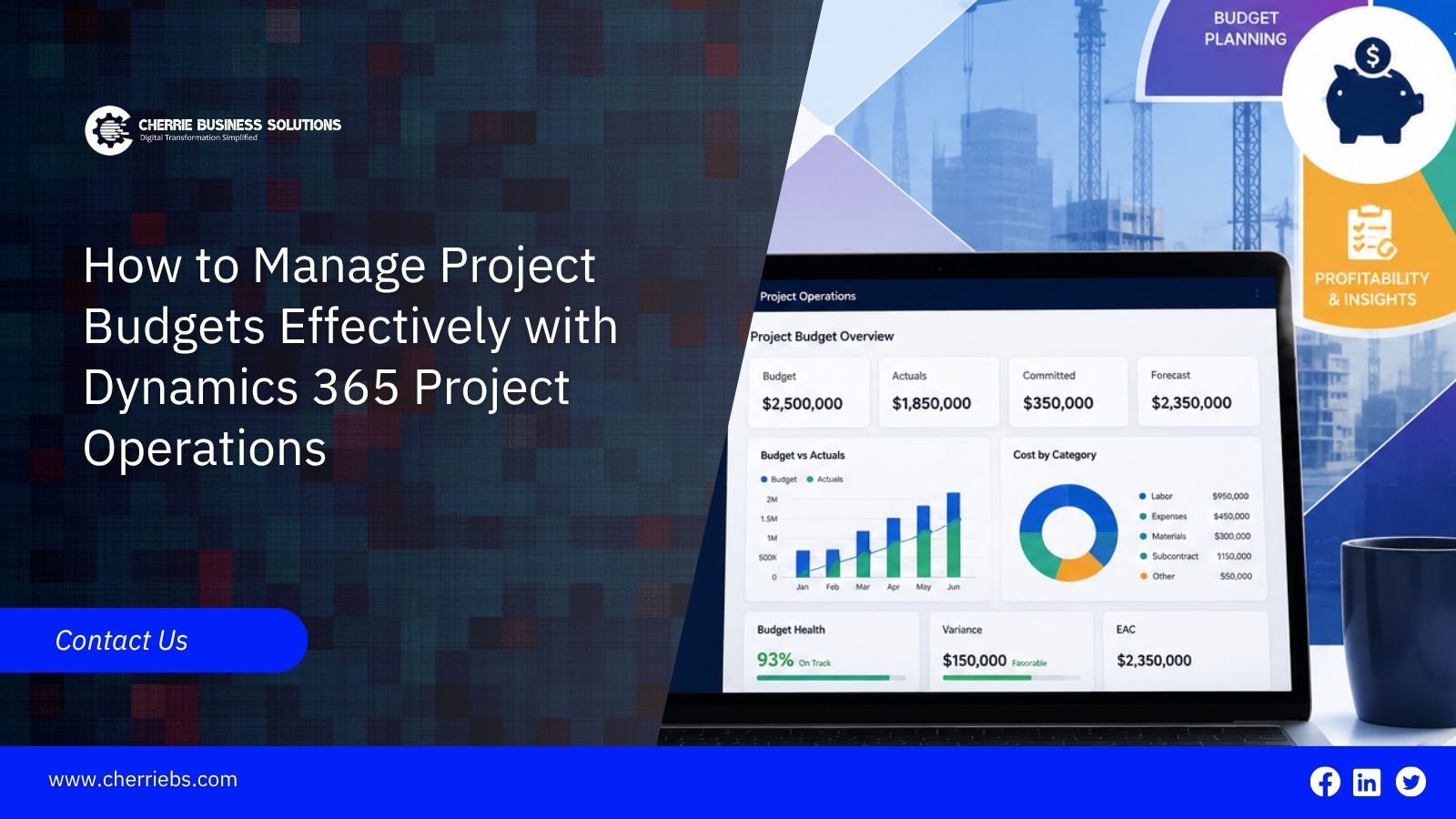
Service-based businesses depend on accurate project budgets to maintain healthy profit margins. However, keeping track of costs often becomes very difficult once the actual consulting work starts. Unbilled employee hours, hidden material expenses, and sudden client requests can quickly drain your expected profits if your team relies on disconnected spreadsheets. The key to effective financial control is connecting your initial sales estimates directly to your daily operations. Microsoft Dynamics 365 Project Operations provides the perfect framework to achieve this goal. This enterprise resource planning software gives project managers a unified space to plan tasks, track time, and monitor live spending.
Let's walk through the practical steps you can take within this platform to manage your financials properly and keep every project highly profitable.
Step 1: Map Out Expenses Using the Work Breakdown Structure
Budget management starts with a highly detailed plan. You cannot track costs effectively if you do not know exactly what the work requires. Project managers must break a large client contract down into smaller, measurable pieces. In Dynamics 365 Project Operations, you can handle this vital step using the Work Breakdown Structure.
To get started, open your project grid and click the "Add Task" button to create your main project phases. If you are a software development company in Dubai building a custom application, create summary tasks for Wireframing, Backend Coding, and User Acceptance Testing. Next, add smaller child tasks underneath those high-level summaries. Enter the estimated hours for each child task to complete it. You must also set your task dependencies. This tells the system the correct order of operations, ensuring that your testing phase cannot start until the backend coding is marked complete. These exact actions build your timeline and establish your true financial baseline. You now have a reliable estimate of the effort required for the project, giving you a firm baseline to measure against later.
Once your tasks are mapped out on the screen, you must attach accurate amounts to those planned hours.
Step 2: Apply Accurate Price Lists for Labor and Materials
In a service business, employee labor is your largest and most variable expense. Different employees cost your company different amounts of money. A senior technical architect carries a much higher hourly rate than a junior support analyst. Keeping track of these different rates in a manual spreadsheet often leads to serious billing errors. The software manages this automatically through role-based rate cards and official price lists.
To apply these costs properly, navigate to the Team tab inside your project. Instead of assigning a specific person right away, assign a generic job role to your tasks, such as Lead Developer. Because your finance department has already configured your company price lists in the system settings, the software knows the standard hourly cost for a Lead Developer. The system pulls that default rate and multiplies it by the estimated hours you typed into the Work Breakdown Structure. It then updates your Estimated Cost column automatically. Relying on these automated calculations protects your underlying profit margins from the very beginning and stops manual calculation errors.
Now that you have calculated a solid financial baseline, your main focus must shift to capturing the daily activities that consume that budget.
Step 3: Capture Daily Billable Hours to Stop Revenue Leaks
The most brilliant project plan will fail if your team does not record their working hours properly. Missing or delayed time entries are the primary reason service firms lose money. If a consultant waits until the end of the week to log their hours, they will naturally forget short client phone calls or small administrative tasks. You cannot bill a client for time you do not track, which leads to immediate revenue leaks. You must make time tracking a daily habit, and the software provides a specific workspace for this exact purpose.
To make this daily routine completely frictionless, direct your team to use the simple time entry grid. Instruct your employees to log into the Dynamics 365 ERP system and open the Time Entries page. Have them click the "New" button, select the current date, and choose their specific project from the drop-down menu. Next, they must select the corresponding project task, type in the duration, and add a quick text description of what they accomplished. If they are working in the field, tell them to snap photos of their travel receipts and submit material expenses directly through their phones.
Once employee clicks Submit, the system routes the entry directly to you for a quick review. As the project manager, open your Approvals workspace, review the submitted hours, select the valid rows, and click Approve. Once approved, the submitted time becomes available for project cost calculations, billing, and downstream financial processes based on your organization's configuration. Executing this final step keeps your working budget completely updated in real time.
Recording daily costs is necessary, but you must also read that data quickly to spot financial trouble early.
Step 4: Monitoring Live Spending Trends to Catch Overruns
Having raw financial data is only helpful if you can understand it fast enough to make a strategic business decision. You need to know if you are spending money faster than you originally planned. The Dynamics 365 Project Operations ERP system provides live tracking dashboards that compare your actual spending against your original baseline estimates in real time.
Consider an engineering team working on a commercial building design. The project manager budgeted 100 hours for the initial drafting phase. Halfway through the first week, the tracking screen shows the team has already consumed 60 hours because of unexpected zoning revisions. Because the software highlights this rapid burn rate immediately, the manager can step in right away. They can have an honest conversation with the client about the delay, or they can assign different staff members to finish the remaining tasks before the budget is completely exhausted. Catching these trends early gives you the power to fix problems proactively.
Even when you track your team perfectly, client expectations often shift, which requires you to adjust your financial plans.
Step 5: Handle Scope Changes Safely with Automated Adjustments
Clients frequently ask for extra features after a project is well underway. These new requests bring in additional revenue, but they will completely break your current budget if you do not handle them correctly. Doing extra work without updating your financial plan means your team ends up working for free, which destroys your profit margin.
Dynamics 365 Project Operations includes specific forecasting tools to handle these scope changes safely. When a client asks for extra work, the project manager returns to the Tracking tab. They locate the Estimate at Completion column. If a specific task is going to take twenty hours longer than originally planned due to a new client request, the manager updates the remaining work estimate or project forecast, allowing the Estimate at Completion value to be recalculated. This allows you to review the revised forecast and share the updated budget with the client for approval. Managing scope changes within the project forecast protects your profit margin and sets clear billing expectations.
Final Notes: Work With a Dynamics 365 Official Partner and Take Control of Your Project Finances
Effectively managing your project finances requires a structured approach and a centralized ERP system. By building detailed task breakdowns, applying accurate labor rates, and closely monitoring your daily hours, you can deliver excellent service to your clients without sacrificing your internal profits. The tools inside the Dynamics 365 enterprise platform give you the complete visibility necessary to keep costs under tight control from the first planning session to the final invoice.
Configuring this software to function perfectly for your specific workflows requires deep technical and industry knowledge. This is where Cherrie Business Solutions steps in. As an official Dynamics 365 partner, our expert team will customize Dynamics 365 ERP to manage your project budgets effectively. Our consulting team works directly with your staff to configure the rate cards, billing rules, and approval workflows that fit your daily operations. If you are ready to stop losing money to untracked hours and take total control of your project costs, reach out to our advisory team today. We help you set up the Dynamics 365 ERP solution to organize your financial operations for long-term success.