
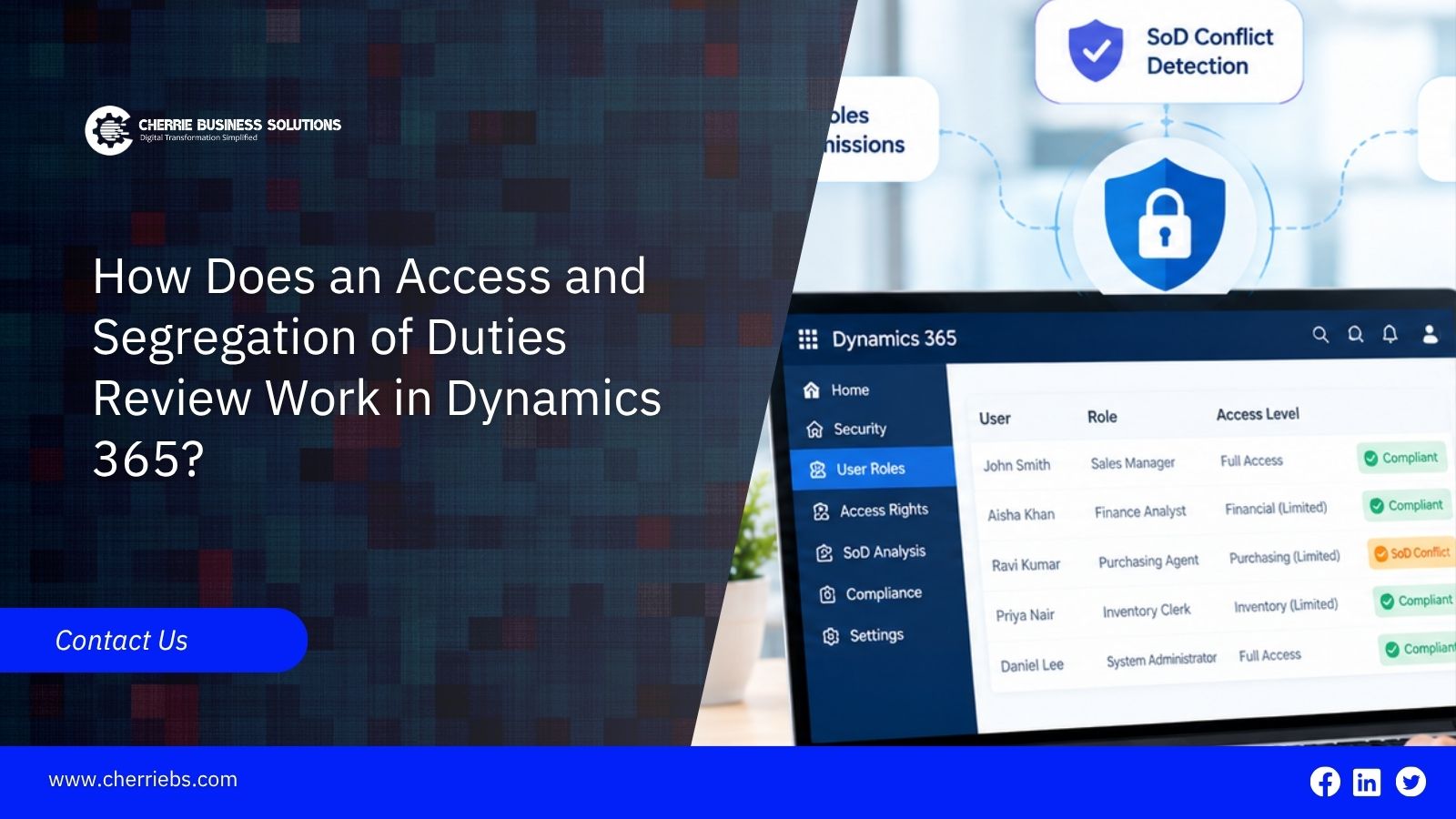
People collect access over time. Someone covers for a colleague on leave and keeps the extra role. A team is reorganized, and nobody removes the old permissions. A system administrator role is given "just for go-live" and never taken back. None of this looks serious on any single day. Added up, it can leave one person able to create a vendor, enter an invoice, and release the payment.
An access and segregation of duties (SoD) review is how you find and fix that. This guide explains how the review works in Dynamics 365, what to check, how often to run it, and where a Microsoft Dynamics implementation partner in Dubai can help.
What Is an Access and Segregation of Duties Review?
It is really two checks that are usually done together:
User access review: Confirms that each person has only the access their job needs. This is sometimes called least privilege.
Segregation of duties review: Confirms that no single person can complete steps that should be split between people, such as creating and approving the same transaction.
The first one cleans up what individuals hold, and the second looks at combinations. A user can pass the first check, with every role justified on its own, and still fail the second because two justified roles together create a conflict.
Why Segregation of Duties Is Important in Dynamics 365
Fraud risk: When one person controls a transaction from start to finish, nobody else is positioned to notice a false vendor or a changed bank account.
Honest mistakes: A second person looking at a payment or journal catches errors that the first person has stopped seeing.
Audit expectations: External auditors usually test user access and SoD as part of their review of IT controls. Weak results often mean more audit work and findings in the management letter.
Reliable master data: Fewer people with the right to edit vendors, bank details, and tax settings means fewer unexplained changes.
How Security Works in Dynamics 365
To review access, you first need to know how the system grants it. The details differ by product.
Finance and Operations: Users receive security roles. Each role is made of duties, each duty is made of privileges, and privileges give permission to specific forms, fields, and actions. Segregation of duties rules define pairs of duties that should not sit together, and the system can warn when a role assignment creates a conflict. There is also a conflict report you can review. Role assignments can be limited by legal entity as well.
Business Central: Users receive permission sets, often grouped into permission set groups. The Effective Permissions page shows what a user can really do. The SUPER permission set gives full access, so it deserves special attention. Business Central usually does not include the same ready-made conflict rules, so teams often build their own rule matrix or use third-party tools.
Customer engagement apps: Access is controlled through security roles and business units. The review logic is the same even though the screens differ.
How the Review Works, Step by Step
1. Set the scope. Decide which environment (normally production), which modules, which legal entities, and which period you are covering.
2. Pull the data. Export the list of active users, their roles, and the permissions behind each role. Include administrator, service, and integration accounts, not only named employees.
3. Remove the obvious. Disable leavers, inactive users, and duplicate accounts first. This shortens everything that follows.
4. Ask process owners to confirm access. The finance controller or department head knows whether each person still needs each role. IT can show what exists but cannot say what the job requires.
5. Run the conflict analysis. Compare role combinations against your SoD rules. In Finance and Operations, use the built-in rules and conflict report. In Business Central, compare against your own matrix.
6. Decide on each conflict. Remove the access, split the role into smaller ones, or accept the conflict with a documented mitigating control.
7. Make the changes and retest. Check that the user can no longer perform the conflicting actions.
8. Keep the evidence. Record who reviewed what, what changed, the dates, and the sign-offs. Auditors will ask for this.
Common Segregation of Duties Conflicts to Look For
- Creating or changing vendors and approving or releasing vendor payments.
- Entering vendor invoices and approving them for payment.
- Creating purchase orders and receiving the goods.
- Changing vendor bank details and running payment proposals.
- Posting journals and approving the same journals.
- Maintaining customer credit limits and posting credit notes or write-offs.
- Maintaining bank accounts and reconciling bank statements.
- Holding a system administrator role alongside everyday business roles.
What to Do When a Conflict Cannot Be Removed
Small teams sometimes have no choice. If there are only two people in finance, someone may need to hold both roles. In that case, put a compensating control in place:
- A manager reviews a report of the transactions that person handled, on a fixed schedule.
- Approval limits or a second approval apply above a set amount.
- Alerts are raised when bank details or tax settings change.
- Someone independent checks the change log for sensitive fields.
Write down the control, the owner, and how often it runs. A conflict with no control is a finding. A conflict with a working control is a managed risk.
How Often Should You Run a Review?
-
On a regular schedule. Many companies review quarterly or twice a year, and more often for high-risk areas such as payments and master data.
-
Before go-live and before the first audit, this is much cheaper than fixing findings later.
-
After major changes. A new module, a new legal entity, an acquisition, or a reorganisation all change who needs what.
-
Whenever someone joins, moves, or leaves. A periodic review is not enough if access is only checked once a year.
Access Review Considerations for UAE Businesses
There isn't a UAE rule that dictates how you review ERP access, but auditors, group head offices, and other stakeholders regularly ask for evidence of one. Several areas that matter to UAE companies depend on controlled access:
Tax settings: Who can change VAT codes and tax configuration.
E-invoicing: Who can change submission settings or edit invoice data before it is validated and sent.
Corporate tax records: Who can post manual journals or adjust ledgers.
Multi-entity setups: Whether a user holds roles in several entities and ends up with wider access than intended.
Confirm specific requirements with your auditor. A Microsoft Dynamics implementation partner in Dubai that works with UAE clients regularly will know which of these areas deserve extra attention.
Common Mistakes in Access and SoD Reviews
-
Judging roles by name. A custom role called "AP Clerk" may hold far more permissions than the name suggests. Check what it can do.
-
Skipping administrator, emergency, and service accounts. These often carry the most access and get the least attention.
-
Copying roles from another user. Cloning a colleague's access for a new joiner spreads old excess to new people.
-
Reviewing once and never again. Access drifts, so the review has to repeat.
-
Leaving IT as the only reviewer. IT cannot judge business need.
-
Accepting conflicts without a reason. Every exception needs a written justification and an owner.
-
Not retesting after changes. Removing a role can leave a similar permission elsewhere.
Getting Assistance From a Microsoft Dynamics Implementation Partner in Dubai
Many companies run a first review alone and find it takes longer than expected, mostly because the role data is messy. A partner can help in a few places:
- Designing roles around duties instead of around individual people during implementation.
- Running an initial conflict analysis before go-live.
- Setting up reports so the review can be repeated without starting from scratch
- Supporting remediation and retesting.
- Training process owners on how to review and sign off.
Cherrie Business Solutions can help with security design and access reviews for Dynamics 365, including Finance and Operations and Business Central.
Closing Thoughts
The first review is usually the hardest. The role data tends to be messier than expected, and some conflicts will have existed for years. That is normal. If time is limited, start with vendor master data and payments, where the risk is highest, and the results come quickest. Then schedule the next review before closing this one.
If you are planning a review or setting up security for a new implementation, talk to Cherrie Business Solutions, a Microsoft Dynamics implementation partner in Dubai.